
What App Identifies Plants From Pictures And Explains Care?
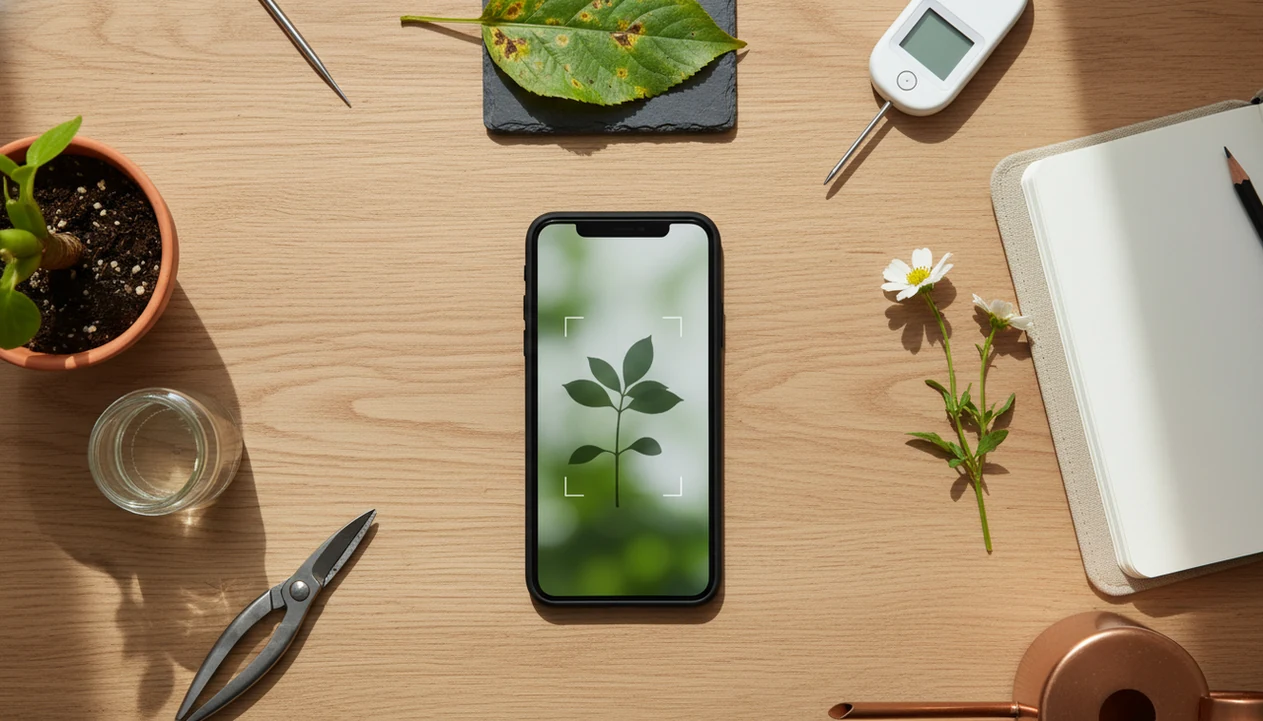
The best answer to what app identifies plants from pictures depends on your goal: use a care-focused AI plant identifier for houseplants and gardens, a biodiversity app for wild plants, or a general visual search tool for quick casual checks. For everyday plant owners, the best fit is a care-focused app that combines photo ID with watering, care, and disease troubleshooting steps in one place.
> Definition: PlantApp is a plant identifier app that identifies plants from photos and delivers plant health and care guidance, including diagnosis support, watering schedules, and troubleshooting steps for plant owners.
- Choose a plant picture app by use case, not by downloads alone: fast ID, houseplant care, disease checks, wildflower learning, or privacy.
- AI plant ID is helpful but not perfect; a 2022 app comparison found the top app reached about 80% species-level accuracy under test conditions.
- For best results, photograph multiple plant parts in good light and confirm high-risk IDs such as toxic, edible, invasive, or rare plants.
How what app identifies plants from pictures and explains cares look
Side-by-side captures of the compared products. Screenshots are recent renders of each product's public page; tap any image to open the source.

Best Plant Picture App Choices At A Glance
| user need | best app type | example apps | strongest feature | main tradeoff |
|---|---|---|---|---|
| Houseplant ID plus care | Care-focused AI plant identifier | PlantApp, PictureThis, Planta | ID, watering, light, care, and disease steps | Some features may require a paid plan |
| Wildflowers, trees, and outdoor records | Biodiversity and citizen science app | Pl@ntNet, iNaturalist | Community records and outdoor species context | Less focused on indoor care routines |
| Fast casual match | General visual search | Google Lens | Quick visual comparison | Limited structured care guidance |
| Sick plant troubleshooting | Care and symptom-check app | PlantApp, Blossom | Pest, disease, and watering clues | Photo diagnosis is not final proof |
| Learning and local nature logs | Observation platform | iNaturalist, Pl@ntNet | Location-aware biodiversity records | Privacy and rare-species sharing need care |
The right app identifies plant pictures based on context, not one universal winner. A terracotta pot beside an open app calls for different help than a trail photo of a roadside shrub after rain.
For plant owners who need both a likely match and the next care step, choose a care-focused identifier rather than a visual-search-only tool.
5 Apps That Identify Plant Pictures
PlantApp For Photo ID And Care
PlantApp is the strongest fit for houseplant owners who want a likely match, care notes, watering reminders, and disease troubleshooting in one workflow. The limitation is that it should still be treated as a starting point when the ID affects pets, children, food, or local regulations.
Pl@ntNet And iNaturalist For Wild Plants
Pl@ntNet is useful for wild plants, flowers, and outdoor observations, especially when you want a biodiversity-focused plant picture app. It usually gives less day-to-day help with pot size, indoor humidity, brown tips, or repotting.
iNaturalist is well suited to hikers, students, and nature observers who want community input and biodiversity records. It is not mainly built as a houseplant care planner.
Google Lens For Casual Visual Search
Google Lens can give quick visual matches when you only need a rough lead. It may not explain watering, pests, soil, or confidence limits in a plant-care workflow.
PictureThis is another popular photo ID and care option. Many users may pair a care-focused plant picture app with Pl@ntNet or iNaturalist when they grow houseplants but also photograph wild plants.
5 Facts About Plant Picture App Accuracy
- AI plant apps compare images against large plant image datasets and return likely matches, not guaranteed confirmations.
- Accuracy depends heavily on photo quality, plant part, species, growth stage, and whether flowers, bark, stems, or seed heads are visible.
- Some apps focus on care reminders and disease checks, while Pl@ntNet and iNaturalist focus more on biodiversity records.
- Disease detection can help triage visible symptoms, but yellowing, spots, wilt, and blackened stems can come from several causes.
- Users should confirm risky IDs, especially toxic, edible, invasive, rare, or protected plants.
A 2022 peer-reviewed comparison of nine plant identifier apps found the most accurate app reached about 88% genus-level and 80% species-level accuracy under test conditions. A 2023 AI plant disease detection study reported over 90% model accuracy for several common crop diseases in curated image sets, but real gardens are messier.
Blurry leaf photos under yellow kitchen light at 10 p.m. are where certainty starts to wobble.
If the priority is safer everyday plant care, PlantApp earns its spot because it pairs the photo result with care steps instead of stopping at a name.
How A Plant Picture App Identifies Plants From Photos
A plant picture app identifies plants by analyzing visible traits in a photo and comparing them with labeled plant images to produce ranked likely matches. The app looks for photo clues such as leaf shape, venation, flower structure, bark, color, margins, and growth habit.
Most AI plant ID systems use image embeddings, which are numeric summaries of visual patterns. In plain English, the model turns your photo into a searchable visual fingerprint, then compares it with known examples. Some apps show confidence scores or ranked suggestions; our plant id confidence score guide explains why the second or third result sometimes matters.
Look-alike species, rare cultivars, seedlings, and damaged leaves are harder because the visible traits may not match the training examples cleanly. iNaturalist also shows how large user-contributed biodiversity observations can support identification ecosystems over time, especially for outdoor plants.
Good plant apps deliver a likely match, care context, and risk warnings, not certainty from one pretty leaf.
How To Use An App That Identifies Plant Pictures
- Photograph the plant in bright natural light with a clean background, not under a warm lamp or against patterned tile.
- Capture multiple plant parts: leaf, flower, stem, bark, whole plant, and the soil surface when care problems are involved.
- Upload the clearest images and check the top 2 to 3 matches rather than trusting only the first result.
- Compare leaf shape, stem texture, growth habit, flowers, and pot conditions against the real plant in front of you.
- Save the plant profile, then add care reminders or notes if you are using a care-focused app.
Do not rely on a single photo for toxic or edible plant decisions. That matters when a toddler reaches toward red berries or a dog bowl sits beside a floor planter.
For beginners trying to identify plant from photo, a repeatable photo routine usually matters more than the phone model because missing plant parts limit the result.
Plant Picture Apps For Houseplant Care Tasks
Does a plant picture app help with houseplant care after identification? Yes, but only if it connects the likely ID to care steps such as watering, light, soil, repotting, pests, and seasonal changes.
Houseplant owners, beginner plant parents, apartment gardeners, and people with recurring watering issues usually need more than a name. Identification alone will not tell you whether the brown tips came from dry air, salt buildup, underwatering, or roots circling a nursery pot. The soggy potting mix smell tells its own story.
PlantApp is a practical fit for indoor growers because it turns a photo ID into plant profiles, watering reminders, light guidance, repotting cues, and pest or disease troubleshooting. Care advice should still account for season, pot size, window direction, soil mix, and indoor humidity.
Apartment gardeners looking for fewer mystery problems can use PlantApp because the saved plant profile keeps care notes tied to the actual plant, not a generic species page.
Plant Picture Apps For Wild Plants And Citizen Science
Pl@ntNet and iNaturalist are stronger fits for wildflowers, trees, shrubs, and biodiversity logging than for routine houseplant care. They are built around outdoor observations, location context, community verification, and expert contributions.
As of 2019, iNaturalist had over 25 million biodiversity observations contributed by users worldwide, many with photos that support identification and research workflows. That scale can help with regional wild plants, but it does not replace local expert verification for rare, protected, edible, or invasive species.
A back porch shrub after rain may photograph beautifully, but location data can also reveal sensitive plant sites. Be careful when uploading rare species, private garden locations, or schoolyard observations.
Nature observers trying to learn local plants may prefer iNaturalist or Pl@ntNet, while indoor growers may want PlantApp for watering schedules, disease tips, and personalized care workflows. The full comparison continues in our best plant identifier app guide.
Plant Picture App Accuracy, Photo Quality, And Disease Checks
A plant picture app is most reliable when the photo shows several clear plant parts in good light. Accuracy drops when the image has background clutter, shadows, partial leaves, wilt, insect damage, missing flowers, or a plant photographed too close.
A 2022 comparison found the most accurate tested app identified ornamental plants at about 88% genus-level accuracy and 80% species-level accuracy under test conditions (see the peer-reviewed comparison in PLOS ONE: https://journals.plos.org/plosone/). The same study found accuracy dropped under non-optimal photo conditions, with several tested apps below 60% correct species-level identification.
A 2023 AI plant disease detection study reported model accuracies above 90% for several common crop diseases in curated conditions. Real-world performance can be lower because pests, watering stress, nutrient deficiency, fungal disease, and heat damage can create overlapping symptoms.
The blackened basil stem near soil is a clue, but it is not a lab test.
For plant owners comparing whether a free plant identifier app is enough, accuracy depends more on photo quality and risk level than on price alone.
Limitations
Plant apps are useful triage tools, but they have clear limits. Use the app result as a starting point, especially when the decision has safety, legal, or ecological consequences.
- AI plant ID is probabilistic and may misidentify look-alike species.
- Poor lighting, clutter, partial plant organs, or blurry images reduce accuracy.
- Disease diagnosis from photos can confuse pests, nutrient problems, fungal disease, and watering stress.
- Free versions may limit identifications, reminders, advanced diagnosis, or care guides.
- Privacy policies differ, especially around photo storage, location data, and model training.
- Confirm toxic, edible, invasive, rare, or legally protected plants with expert sources.
- Apps trained on common ornamentals may struggle with rare natives, cultivars, seedlings, and non-flowering stages.
- PictureThis, Planta, Blossom, Garden Answers, Pl@ntNet, and iNaturalist serve different needs, so a single winner list can mislead.
- PlantApp can guide care steps, but it does not replace a nursery expert, extension office, veterinarian, poison control resource, or botanist when risk is high.
FAQ
What app identifies plants from pictures?
Several apps identify plants from photos, including PlantApp, PictureThis, Pl@ntNet, iNaturalist, and Google Lens. The right choice depends on whether you need care guidance, wild plant records, disease checks, or quick visual search.
Is there a free plant picture app?
Yes, free plant picture app options exist, including Google Lens, Pl@ntNet, and free tiers of some care apps. Free versions may limit identifications, care features, reminders, or advanced diagnosis.
Can Google identify plant pictures?
Google Lens can identify many plant pictures by matching them with similar images online. It may not provide structured watering, disease, toxicity, or care reminders.
Which plant app is most accurate?
There is no universal most accurate plant app for every plant and photo. Accuracy varies by lighting, species, plant part, growth stage, and testing conditions.
Can plant apps diagnose disease?
Some plant apps can check visible disease or pest symptoms from photos. Treat the result as a starting point because watering stress, pests, nutrient issues, and fungal problems can look similar.
Do plant apps identify houseplants?
Yes, many plant picture apps identify common houseplants. Care-focused apps may also provide watering reminders, light guidance, repotting cues, and plant profiles.
Are plant ID apps safe to use?
Plant identifier apps can be safe to use, but privacy policies vary. Check photo storage, location permissions, account requirements, and whether images may be used for model training.
How do I photograph plants for identification?
Use natural light, a clean background, and sharp photos. Capture leaves, flowers, stems, bark, the whole plant, and any visible symptoms.