
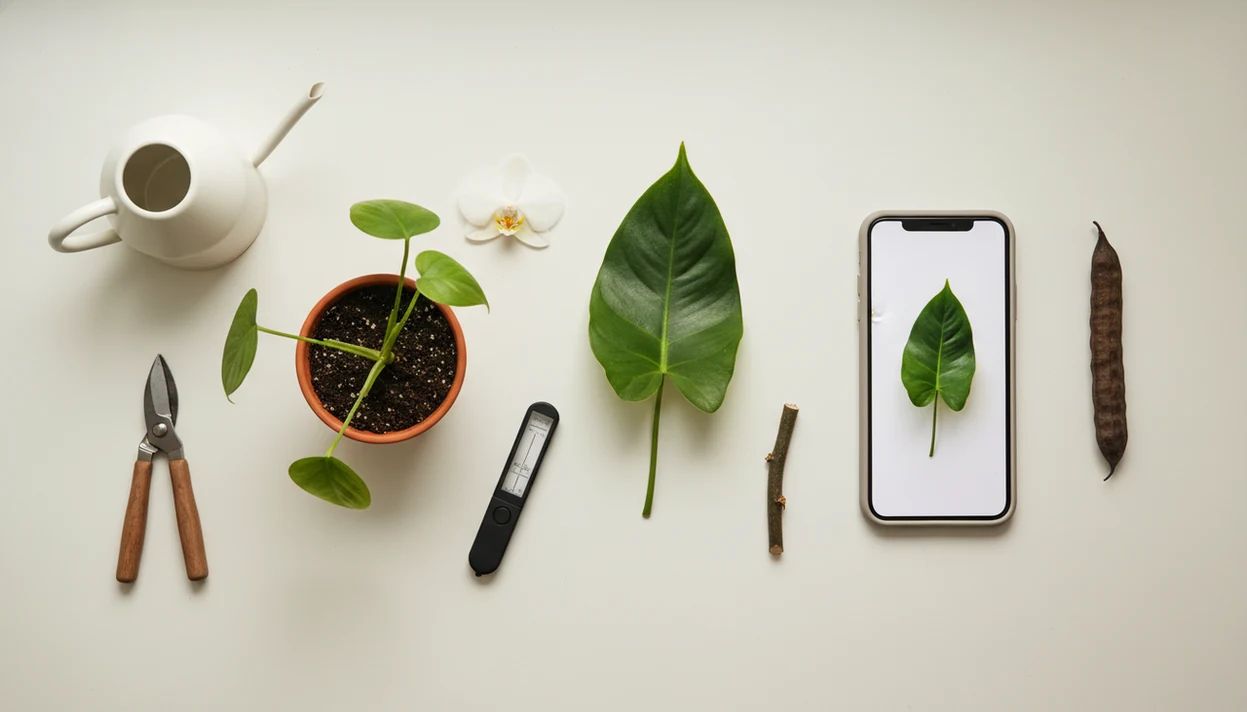
> Plant photo identification is the process of using an AI-powered app to match a picture of a leaf, flower, or whole plant to a known species and return its name, care requirements, and potential disease alerts within seconds.
- Clear, multi-angle photos of leaves, flowers, and stems dramatically raise identification accuracy.
- No single app is 100% accurate, cross-check toxic or invasive plant results with a second source.
- The best workflow connects the ID step directly to watering schedules, light guidance, and disease monitoring for that specific plant.
5 Plant Photo Requirements Before You Start
You do not need a special lens to identify a plant by picture. A smartphone with a working camera, steady focus, and decent natural light is enough for most plant photo identification tasks.
Start near a window, patio, or shaded outdoor spot. Avoid direct backlight and heavy shadow because both hide vein patterns and distort color. Isolate one plant part at a time: leaf topside, flower face, stem, bark, fruit, or seed head. A plain background helps the model ignore clutter, so use white paper, sidewalk, dark fabric, or your hand.
One pretty leaf is rarely enough.
Have at least one AI plant identifier app ready before you photograph. If the first result is uncertain, you can retake the image while the plant is still in front of you.
What a Plant Photo Identification App Does
A plant photo identification app turns a clear image into likely plant names, care context, and practical next steps. It should help you move from “What is this?” to “What should I do for this exact plant?”
In a good workflow, the app does more than return one unsupported answer. It compares visible clues from leaves, flowers, stems, bark, or fruit, then shows ranked matches or confidence scores so you can judge how certain the result is. After you confirm the species, the same record can connect the name to watering, light, soil, pruning, and repotting guidance.
- Photograph the most diagnostic plant part first, then add supporting shots of the whole plant, stem, flower, or fruit when available.
- Compare the top matches instead of accepting the first name, especially when several results look similar.
- Review care guidance for the confirmed plant, including moisture needs, light tolerance, soil mix, and repotting timing.
- Check warning flags for possible pests, diseases, toxicity, or invasive-plant concerns before handling, gifting, or planting outdoors.
- Save the confirmed specimen so future reminders and follow-up photos stay tied to the same plant.
How AI Plant Photo Identification Works Behind the Lens
AI plant photo identification works by comparing visual patterns in your image with labeled plant images in a training database. The app returns likely matches, not a guaranteed botanical determination.
- Convolutional neural networks scan plant photos for repeated visual structures, such as edges, curves, margins, and texture.
- Feature extraction helps the model isolate leaf shape, vein pattern, petal count, color gradients, bark texture, and fruit form.
- Confidence scoring ranks probable species, so a 92% first result means something different from three close matches near 55%.
- Database breadth matters; Pl@ntNet reports coverage across more than 45 regional floras and over 46,000 plant species (Pl@ntNet).
- Published testing has reported PlantNet top-1 accuracy from roughly 67% to above 90%, depending on dataset and plant group (Applications in Plant Sciences).
A good AI plant identifier, disease diagnosis, and personalized plant care app for houseplants and garden plants gives a likely match, care next steps, and risk flags, not a guaranteed diagnosis from one photo.
How to Identify Plant From Photo in 5 Steps
To identify plant from photo, use a short repeatable workflow: capture diagnostic parts, upload the clearest image, compare likely matches, verify risky results, and save the plant for care tracking. Tools like PlantApp fit this workflow when you want ID plus reminders and disease alerts in one place.
- Capture the leaf topside, flower, and stem separately in natural light, keeping each part sharp and centered.
- Upload the clearest image first in PlantApp, especially if the plant tag was faded or tossed with the nursery sleeve.
- Review the top three suggested species and compare leaf shape, stem, and growth habit before accepting the name.
- Cross-check toxic, allergenic, edible, or invasive plants with Pl@ntNet, iNaturalist/Seek, a regional extension office, or another local botanical source before acting on the result.
- Save the confirmed plant to your collection so care schedules, repotting prompts, and disease alerts can follow the same specimen.
For most home growers, saving the verified plant record is more useful than a one-time name because care depends on the exact plant and setting.
Photo Tips That Boost Plant Identification Accuracy
Clear photo clues raise the odds of a useful match. Shoot in diffused daylight, especially under overcast skies or bright shade, because harsh sun can erase veins and turn pale flowers into white blobs.
Fill about 70% to 80% of the frame with the plant part. For tiny leaves or flowers, include a coin or fingertip for scale, then take a second photo without it. Avoid flash, motion blur, backlit silhouettes, and cropped images that cut off the leaf base or flower center.
A flower plus a leaf often beats either one alone. If you are working from foliage only, our guide to identify plant by leaf explains which leaf details matter most.
Common Plant Picture Mistakes That Cause Wrong IDs
Wrong IDs usually come from weak inputs or too much trust in a single result. The riskiest mistake is accepting one app answer for a poisonous, edible, allergenic, or invasive plant without checking another source.
We often see users photograph the pot, shelf, or soil surface instead of the diagnostic plant part. A gnat cloud above damp potting mix may explain a care problem, but it will not identify the species. Flash and yellow kitchen light at 10 p.m. also shift color enough to confuse flower and leaf comparisons.
Treat low confidence scores with caution, especially below about 85%. Also remember that the plant name is only the beginning. Region, season, pot size, and indoor light can change the next care step.
From Plant Name to Personalized Care Plan
The species name is step one, not the whole answer. Light, water, humidity, soil, and pruning needs vary by cultivar, container size, indoor conditions, and climate zone.
Once a likely match is saved, an app can connect that name to watering reminders, light-level guidance, repotting timelines, and seasonal care notes. PlantApp can also keep follow-up photos with the same plant record, which helps when brown tips spread or a yellow halo forms around a leaf spot.
Care is a moving target.
Photo-based disease checks are useful as a care step, not a cure. If the app suggests root rot, compare that result with the smell of soggy potting mix and whether water has been sitting in the cachepot. For indoor plants, identify houseplant from photo workflows should include room light and pot details.
3 Myths About Plant Photo Identification Apps
Plant ID apps are useful, but the common myths around them lead to overconfidence. A 2021 systematic review of smartphone apps in plant science found wide variation in accuracy and validation rigor across image-based tools (Plants, 2021).
Myth 1: AI plant ID is 100% accurate. Reality: even well-known systems have reported top-1 accuracy ranges around 67% to above 90%, depending on dataset and plant group.
Myth 2: Any quick snap works. Reality: blurry, backlit, partial, or color-shifted images cause many bad matches. A photo from an east window usually beats one under a warm hallway bulb.
Myth 3: All plant ID apps are identical. Reality: training data, regional coverage, disease tools, privacy settings, and care features differ widely. Flower-heavy cases may benefit from a focused identify flower from photo process.
Who Should Use Plant Photo Identification
Plant photo identification is best for everyday plant owners who need a practical name and next care step, not a courtroom-level determination. It fits houseplant shelves, backyard beds, and “what is this growing here?” moments.
Houseplant owners get quick value when a nursery tag is gone, a cutting was inherited, or a rescue plant arrives with no label. Gardeners can also use it to compare weeds, volunteers, seedlings, and ornamentals before pulling, potting, or moving anything. Beginners benefit most when the ID is tied to plain-language care guidance, because the name alone does not tell you how much light, water, or patience the plant needs.
Use a simple judgment check before acting on any result:
- Use the app for common indoor plants, garden comparisons, and routine care planning.
- Compare the top matches when seedlings, weeds, or look-alike ornamentals appear close.
- Pause before eating, treating poisoning concerns, reporting regulated pests, or making legal decisions from an app result.
- Confirm rare, toxic, edible, or invasive matches with a regional extension office, local botanist, poison control, or other qualified expert.
Limitations
AI plant identification is a starting point, not a final authority. It is strongest when the photo is clear, the plant is common, and the user verifies important results.
- AI struggles with seedlings, winter twigs, juvenile foliage, and non-flowering plants.
- Look-alike species with tiny botanical differences can fool any single app.
- Photo-based disease diagnosis can confuse nutrient deficiency, pest damage, and environmental stress.
- High-value plants, orchard crops, and regulated pests still deserve expert confirmation.
- Personalized care suggestions depend on accurate user inputs, including light level, pot size, and climate zone.
- Free tiers may limit daily IDs, omit disease tools, or place advanced care behind paywalls.
- Rare tropical plants and regional cultivars may be underrepresented in training data.
- No app should be the sole authority for foraging, allergy-critical decisions, or suspected poisoning.
If bark is the main visible clue, use a cautious identify plant by bark workflow and confirm locally.