
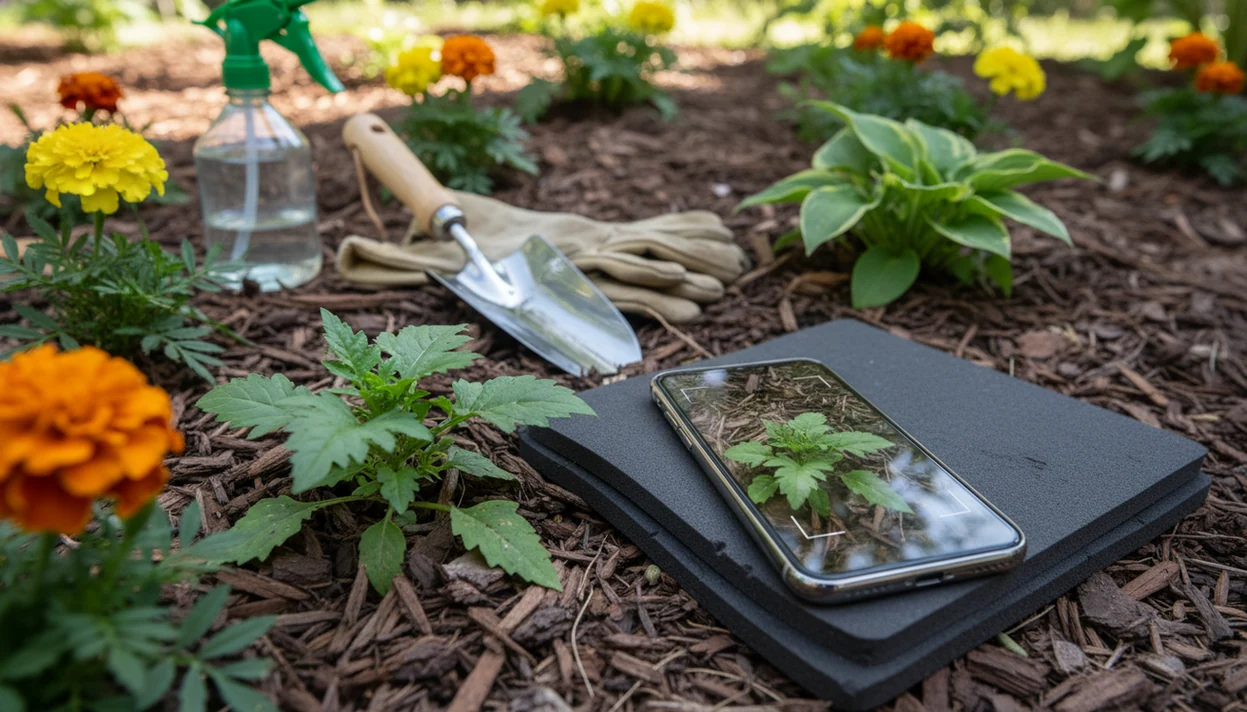

> Definition: A garden plant identifier app is a smartphone tool that uses AI image recognition on photos of leaves, flowers, bark, or whole plants to suggest the most likely species and provide care, toxicity, and disease information.
- Snap a photo of any yard plant, weed, volunteer, shrub, or tree, and get a species suggestion with toxicity and care info in seconds.
- Go beyond naming: the same photo session can surface disease or pest issues plus tailored treatment steps for that exact plant.
- Always treat app results as a strong first pass, not a final verdict. Confirm with extension services or community platforms before eating or removing anything.
Garden PlantApp Capabilities at a Glance
A garden plant ID app helps non-experts identify outdoor plants quickly, then decide what risk or care step comes next. PlantApp is built around that yard workflow, not just a name on a screen.
- Photo ID: PlantApp compares leaves, flowers, bark, and whole-plant shape to suggest likely species for weeds, trees, shrubs, and ornamentals.
- Safety flags: Toxicity warnings matter because U.S. poison-center data recorded more than 77,000 plant-related human exposures in 2019 (CDC WONDER / NPDS summary: https://www.cdc.gov/mmwr/volumes/69/wr/mm6937a3.htm).
- Care guidance: Watering, light, soil, and pruning notes help after the ID, especially when the nursery tag faded or disappeared with the sleeve.
- Problem checks: Brown spots, wilting, and pest damage can be scanned as part of the same photo session.
- Gardening demand: The National Gardening Association reported that 55% of U.S. households participated in gardening activities in 2020, which means many yards are managed by people still learning plant names (https://garden.org/special/pdf/2021-NGA-National-Gardening-Survey.pdf).
Good AI plant identifier, disease diagnosis, and personalized plant care apps deliver a likely match plus next steps, not a guaranteed verdict from one photo.
AI Garden Plant Identification Workflow
AI garden plant identification works by comparing your photo clues against labeled plant-image data and returning confidence-ranked matches. The result is probabilistic, so it should read as “likely purslane” or “possible hydrangea,” not courtroom evidence.
Behind the tap, many systems use convolutional neural networks. In plain terms, the model looks for visual patterns in leaf margins, petal shape, bark texture, stem arrangement, and growth habit. A phone hovering over glossy leaves can capture useful detail, but one pretty leaf often misses the stem and soil context.
PlantApp uses the app result as a starting point because outdoor conditions are messy. Seedlings stretch in shade. Mulch hides stems. Rain spots make leaves look diseased. Some processing may happen in the cloud, while lighter inference can happen on device. Poor reception at the back fence can slow results.
A 2019 review of mobile applications for agriculture counted more than 500 agriculture-related apps worldwide, showing how quickly plant ID, pest, and crop tools have grown (https://doi.org/10.1016/j.compag.2019.104857).
6-Step Yard Plant Identifier Workflow Before You Pull or Spray
Use a yard plant identifier before acting on an unknown plant, especially near pets, children, vegetable beds, or property edges. For backyard gardeners trying to avoid accidental removals, PlantApp fits because it combines ID, toxicity review, diagnosis, and garden logging in one workflow.
- Photograph multiple angles: Capture the leaf, flower, bark, stem, soil surface, and whole plant in natural light.
- Review top matches: Compare the app’s species suggestions and confidence scores instead of accepting the first result blindly.
- Check risk flags: Look for toxicity and invasive-status notes before touching, composting, or moving the plant.
- Scan for problems: Run disease or pest diagnosis if you see brown spots, wilting, webbing, or chewed edges.
- Confirm locally: Verify uncertain IDs with an extension service or community platform like iNaturalist before spraying, eating, or removing.
- Log the plant: Save the confirmed plant in your garden collection for care reminders and future comparisons.
The safest yard workflow is app-first, then local confirmation, because plant risk often depends more on location and look-alikes than on the photo match alone.
Garden Plant ID App Use Cases in Your Yard
A garden plant ID app prevents common yard mistakes by slowing down the moment before you pull, prune, spray, or let a child play nearby. PlantApp is useful when the question is practical: what is this, and what should I do today?
Weeds and Volunteer Seedlings
Mystery seedlings mixed with volunteer tomatoes are easy to yank too soon. Use a garden plant ID app to compare leaf shape, stem color, and growth habit before weeding. For a narrower weed workflow, the best weed identifier app guide focuses on lawn and bed invaders.
Trees, Shrubs, and Woody Perennials
Tree and shrub IDs matter before pruning or removal because timing and technique vary by species. Anyone dealing with a flowering shrub beside a dog bowl should check toxicity before pets get access. If bark and leaf details are the main clues, a dedicated tree identification app workflow can help.
Early invasive detection also matters along fence lines and lawn edges. Brown spots, wilting, and pest damage should be diagnosed after the likely species is known.
PlantApp Features for Garden Plant Identification
The strongest garden ID workflow connects species recognition with care, safety, and follow-up, so the handoff is from ‘what is it?’ to ‘what now?’
- Instant Outdoor Photo ID: Identifies weeds, flowers, trees, shrubs, and volunteers from leaf, flower, bark, or whole-plant photos.
- Disease and Pest Diagnosis: The same session can flag likely pest damage, leaf spots, or stress patterns as a care step, not a cure.
- Toxicity Warnings: Surfaces toxicity notes with the ID result so you can pause before pets or kids reach the plant.
- Personalized Care Guides: Watering, light, soil, pruning, and treatment suggestions adjust to the likely plant rather than staying generic.
- Garden Collection Log: Saved plants help track beds, borders, and problem areas across the season.
Gardeners looking for plant records across several beds can use PlantApp because the collection log keeps each identified plant tied to photos and care reminders.
Garden Plant ID App vs. Field Guides, Extension Services, and iNaturalist
A garden plant ID app is fastest, but field guides, extension services, and community platforms still add important checks. Use PlantApp for the first pass, then confirm high-risk decisions before removal, treatment, or ingestion.
| Method | Strength | Limitation | Best use |
|---|---|---|---|
| Garden plant ID app | Results in seconds | Top apps often test around 75% to 80% accuracy, not certainty | Fast first look before action |
| Field guide | Good for learning plant traits | Slower and harder for beginners | Comparing leaf, flower, and habitat clues |
| Extension service | Local invasive and regulatory context | Not instant | Spray, removal, disease, or quarantine questions |
| iNaturalist or Pl@ntNet | Community validation can reach expert-level accuracy for many taxa | Review speed varies | Confirming unusual or regional plants |
| Competitor apps like PictureThis, Planta, or Blossom | Broad consumer databases | Features and pricing differ | Comparing ID style and care depth |
For uncertain weeds, use the app result alongside a local source before you find weed name before pulling.
Evidence Behind Garden PlantApp Accuracy
Independent testing generally puts consumer plant ID apps in a useful-but-imperfect range, with top performers often landing around three correct IDs out of four. That makes a garden plant identifier app a fast triage tool, not a formal botanical determination.
Accuracy changes because plants do not look the same all season. A seedling may lack flowers, fruit, bark, or mature leaf shape. A blurry photo in harsh sun can hide the vein pattern or turn purple leaves brown. Region also matters: an app may know common nursery plants well but struggle with local weeds, native look-alikes, or escaped ornamentals that overlap only in one county.
To get the cleanest first pass:
- Photograph the whole plant plus close-ups of leaves, stems, flowers, fruit, and bark when present.
- Compare the top matches instead of trusting the first name.
- Check whether PictureThis, PlantNet, iNaturalist, or another benchmarked tool agrees.
- Confirm with an extension service or expert community before eating, spraying, removing, or reporting an invasive plant.
PlantApp should be treated the same way: its output is a confidence-ranked match based on visible clues, not a specimen key, herbarium review, or lab result.
Related PlantApp Features for Gardeners
Related features matter because identification is rarely the final garden task. After the likely match, most users need a safety check, a diagnosis, or a reminder that keeps the plant alive through the next heat wave.
PlantApp connects outdoor ID with disease diagnosis, care and watering reminders, a toxicity checker, and a plant collection log. That matters when sticky honeydew appears on a fiddle leaf fig moved outdoors, or when a border perennial suddenly wilts after heavy rain.
After a plant is named, when follow-up care becomes the real question, PlantApp earns its spot because watering, light, pest, and treatment steps stay attached to the saved plant. For broader outdoor planning, the plant identifier app for backyard gardeners page covers seasonal yard use.
Limitations
A garden plant identifier app is useful, but it is not a botanist, lab test, poison-control line, or local extension office. Calibrate the result before you act.
- Seedlings, grasses, sedges, and flowerless plants are harder to identify from photos.
- A single image is often not enough. Use leaf, flower, bark, stem, and whole-plant photos.
- Yellow kitchen light at 10 p.m. can distort color, especially on variegated leaves.
- Disease diagnosis from photos is emerging AI. It cannot replace root inspection, soil tests, or lab confirmation.
- Many advanced features, including detailed care plans, may sit behind subscriptions.
- Offline performance is limited for cloud-dependent apps, especially in low-reception garden corners.
- Apps trained on popular ornamentals may underperform on regional wild flora.
- Never rely only on an app for edibility, toxicity, or child and pet safety decisions.
- Competitors such as Garden Answers, PictureThis, and PlantNet may perform differently depending on your region and plant type.
When the ID is uncertain, take a second photo in natural light and check against a regional source.