
How To Identify Plants With Phone Photos More Accurately
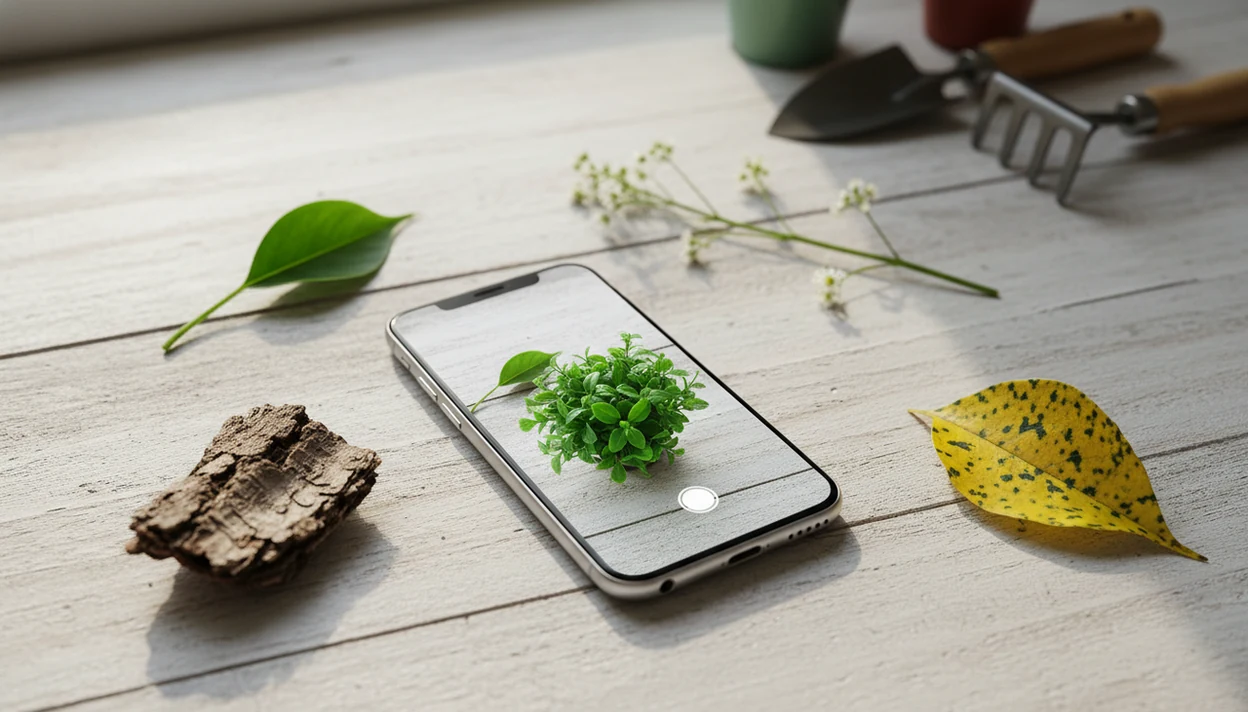
The most accurate way for how to identify plants with phone photos is to take several clear images, submit them to a plant ID app, then verify the result against visible plant traits and trusted sources. Treat the phone result as a strong starting point, not a final answer for poisonous, edible, medicinal, or safety-critical plants.
> Definition: Phone plant identification is the process of using smartphone photos, AI image recognition, and follow-up verification to suggest a plant name, possible health issue, and care steps.
TL;DR
- Use multiple photos: whole plant, leaf close-up, stem, flower or fruit, and any symptoms.
- Check the app’s top matches against real field marks instead of accepting the first result.
- Avoid using phone plant ID alone for eating wild plants, medical decisions, or toxic look-alikes.
Phone Plant Identification At A Glance
Phone plant identification works best as a photo-plus-verification process, not a one-tap verdict. Your phone can narrow the choices quickly, but your eyes still need to compare the leaf shape, stem, flower, and growth habit.
- Fact 1: Most plant ID apps return multiple likely matches, often with a confidence score.
- Fact 2: A whole-plant photo helps the app read growth habit before details.
- Fact 3: Close-ups of leaves, flowers, bark, or fruit improve the likely match.
- Fact 4: Disease checks and care tips can fit into the same phone routine.
- Fact 5: App results are not definitive for edible, poisonous, medicinal, or legal decisions.
One pretty leaf is usually not enough. We see that mistake constantly.
How Phone Plant Identification Works
Phone plant identification works by comparing your uploaded photos with large collections of labeled plant images. The app reads visual patterns, turns them into image features, and looks for plants in its database that resemble the photo most closely.
That is why most apps return ranked matches instead of certainty. A leaf, flower, stem, bark patch, or whole-plant habit may point strongly toward one species, but similar plants can share the same clues. Models and human reviewers both compare traits such as leaf shape, vein pattern, flower structure, stem texture, bark, size, and growth form. Common houseplants, garden plants, and widely photographed weeds usually identify better because the system has more examples to learn from. Rare species, seedlings, regional look-alikes, and plants outside the app’s strongest coverage area are more likely to produce weak or misleading matches.
A good phone result should start a check, not end it. Before you eat, remove, treat, medicate with, sell, report, or make a legal decision about a plant, verify the ID with trusted references or a qualified local expert.
AI Plant Recognition Behind The Phone Camera
Phone plant recognition uses image recognition to compare photo clues against known plant images and labels. The system looks for visual patterns such as leaf shape, veins, flowers, stems, bark, color, texture, and growth habit.
Behind the screen, many tools convert your photo into image embeddings, which are numerical summaries of visual features. In plain terms, the app asks, “What known plants does this picture most resemble?” It usually returns a ranked shortlist, not absolute certainty. Common houseplants and garden species often perform better because they appear more often in training data.
Pl@ntNet is a useful scale example. The project reports a collaborative database covering tens of thousands of plant species through smartphone photos, contributed by millions of users as citizen science source. Still, a blurry leaf under yellow kitchen light at 10 p.m. gives any model less to work with.
Phone Photo Checklist Before Plant Identification
Before you identify plant on phone, collect the same context a careful plant person would ask for. Clean the lens, use natural even light, and avoid harsh shadows from a window or grow lamp.
Move clutter out of the frame when possible. That includes hands, faded nursery tags, other plants, and patterned rugs. If the plant tag was tossed with the sleeve, record what you still know: location, indoor or outdoor setting, season, plant size, and whether it is cultivated or wild.
For sick plants, add notes before the symptoms blur together. Check watering habits, soil moisture, pests, yellowing, spots, wilting, and recent repotting. A soggy potting mix smell tells a different story than one crisp brown leaf tip after a hot windowsill week.
5-Step Phone Plant Identification Workflow
Use this workflow when you want a repeatable way to identify plants from photos. For beginners, a structured photo sequence is often better than one camera guess because it gives the app and the human reviewer more traits to compare.
- Take a whole-plant photo in natural light, showing the plant from top to base.
- Capture close-up plant parts such as leaves, leaf underside, stems, flowers, fruit, bark, or symptoms.
- Submit the photos to a reputable plant identification tool, such as Pl@ntNet, PictureThis, Google Lens, or another app that identifies plants from photos.
- Review the top matches by comparing visible traits, confidence scores, and whether the result is genus-level or species-level.
- Verify the likely match with a trusted source before making care, foraging, pet-safety, or removal decisions.
A dedicated plant ID app is most useful when it combines likely matches with care notes, disease clues, and a way to compare alternate results.
Step 1: Whole-Plant Phone Photos
Start with the full plant, from top to base, whenever the setting allows it. The first image should show whether you are looking at a vine, rosette, shrub, tree, grass-like clump, trunked plant, or potted houseplant.
Include the pot, ground line, trunk, stake, trellis, or surrounding bed if it adds context. A new leaf unfurling beside a stake can tell you more than a cropped green oval. Avoid backlighting, extreme close-ups, and busy backgrounds for this first shot.
Growth habit helps separate look-alike species. A trailing pothos and an upright young philodendron can share heart-shaped leaves, but the plant form changes the likely answer.
Step 2: Leaf, Flower, Stem, And Bark Photos
After the whole-plant photo, take separate close-ups of the parts that carry identification detail. Capture leaf shape, leaf edge, vein pattern, leaf arrangement, and the leaf underside.
Photograph flowers, fruit, seed pods, stems, thorns, bark, nodes, or new growth when present. Don’t crowd everything into one frame. A single image with leaf, soil, pot rim, and three background plants usually confuses both the app and the person checking it.
Flowering or fruiting parts often improve phone plant identification, but they are not always available. Seedlings, winter shrubs, and trimmed houseplants may need extra context instead. If you are building a better photo set from scratch, the identify plant from photo workflow covers these angles in more detail.
Step 3: Phone Plant Identification Results
“Is the first plant ID result always right?” No. The top match is the app’s strongest suggestion, while alternate matches show other plants with similar photo clues.
Look at the confidence score, but don’t stop there. A result may identify only the genus, not the exact species. That can still be useful for care, but it may not be enough for toxic look-alikes or outdoor weeds. Compare the leaf arrangement, flower structure, stem texture, and plant size instead of relying on photo similarity alone.
An independent 2023 comparison test of seven popular apps reported PictureThis at 78% accuracy and Pl@ntNet at 68% accuracy on 234 plant images source. Even a high-scoring answer can fail on grasses, seedlings, regional look-alikes, or unclear photos. The plant id confidence score guide explains why “high confidence” is not the same as confirmation.
Step 4: Trusted Sources For Plant ID Verification
Verification is the step that turns a phone guess into a safer likely match. Compare the app result with a field guide, university extension page, herbarium record, botanical garden page, or reputable plant database.
For U.S. plants, cross-check range and plant profiles with USDA PLANTS source or university extension databases such as the NC State Extension Gardener Plant Toolbox source.
Check location, season, mature size, leaf arrangement, flower structure, and habitat against the proposed species. A back porch shrub after rain may photograph like one plant, but the local range and bloom season may point elsewhere. Two apps agreeing is useful, but it is not proof; both may share similar training data or make the same visual mistake.
When the ID is uncertain, ask a local extension office, nursery expert, botanist, or serious plant community. For safety questions, local expertise matters. For app comparisons, our does plant identifier app work page explains what accuracy claims can and cannot mean.
Step 5: Plant Care And Disease Checks On Phone
A correct plant name improves watering, light, soil, pruning, and repotting advice. Care guidance for a fern, succulent, orchid, and basil plant should not be the same.
For disease or pest checks, photograph affected leaves and the whole plant. Add the soil surface, stem base, and recent care notes when possible. A gnat cloud above damp potting mix points in a different direction than sun scorch on one exposed leaf.
A plant identifier app can connect a likely plant name with care, watering, and disease troubleshooting steps. Use those suggestions as next steps, not a cure or final diagnosis. Yellowing, spots, wilting, browning, and blackened stems can come from pests, watering stress, nutrient issues, root problems, or weather, so photo results still need context.
Common Phone Plant Identification Myths
Plant ID myths usually start with overtrust. A phone can help fast, but it does not remove the need to check the plant.
- Myth: Plant ID apps are 100% accurate. Correction: Treat the result as a likely match and verify visible traits.
- Myth: One quick photo is enough. Correction: Use a whole-plant image plus separate close-ups of leaves, stems, flowers, fruit, or bark.
- Myth: Two apps agreeing means certainty. Correction: Agreement is helpful, but both apps can be wrong on look-alikes or poor photos.
- Myth: Phone photos can always diagnose disease by themselves. Correction: Add watering history, soil moisture, pest clues, and recent changes.
Small details matter here. Roots circling a nursery pot can explain wilting better than a leaf photo alone. If you are still choosing tools, a free plant identifier app can be enough for casual IDs, but safety checks still need verification.
Limitations
Phone plant identification has real limits, especially when the result affects health, pets, food, or land management. Use the app result as a starting point, then slow down when risk rises.
- Apps are aids, not authoritative plant determinations.
- Accuracy drops with blurry, dark, backlit, cropped, or cluttered photos.
- Grasses, seedlings, non-flowering plants, rare species, and regional look-alikes are harder to identify.
- AI models can be biased toward common species represented heavily in training data.
- Disease diagnosis from one image is limited because pests, nutrient problems, watering stress, and environmental damage can look similar.
- Do not rely on phone plant ID alone for edible, poisonous, medicinal, or legal decisions.
- Some apps require subscriptions, account creation, or internet access.
- Pet-safety warnings need caution when the ID is uncertain, especially with a dog bowl beside a floor planter.
Plant ID tools can organize the process, but expert confirmation is still the safer route for high-stakes decisions.
FAQ
Can my phone identify plants?
Yes. Smartphones can identify plants through built-in camera tools, Google Lens, or dedicated plant ID apps that use photo recognition.
What plant photos work best for identification?
Clear, well-lit photos work best when they show the whole plant plus leaves, stems, flowers, fruit, bark, or symptoms. Natural light usually gives better color than dim indoor light.
Is phone plant identification accurate?
Phone plant identification can be useful, but accuracy depends on photo quality, plant type, season, and verification. Treat the result as a likely match, not a final determination.
Can Google Lens identify plants?
Google Lens can suggest plant matches from phone photos. Verify the result with plant-specific sources, especially for wild, toxic, edible, or look-alike plants.
Can iPhone identify plants?
Many iPhones can use built-in visual lookup or plant ID apps to identify plants from photos. Results still need checking against visible plant traits.
Can Android identify plants?
Android phones can use Google Lens or dedicated plant identifier apps for photo-based plant ID. Take several photos rather than relying on one close-up.
Can apps diagnose plant disease?
Apps can suggest possible diseases, pests, or stress causes from photos. They need context such as watering, soil condition, light, and sometimes expert confirmation.
Should I eat app-identified plants?
No. Do not eat wild plants based only on a phone app result, because toxic look-alikes can be misidentified.