
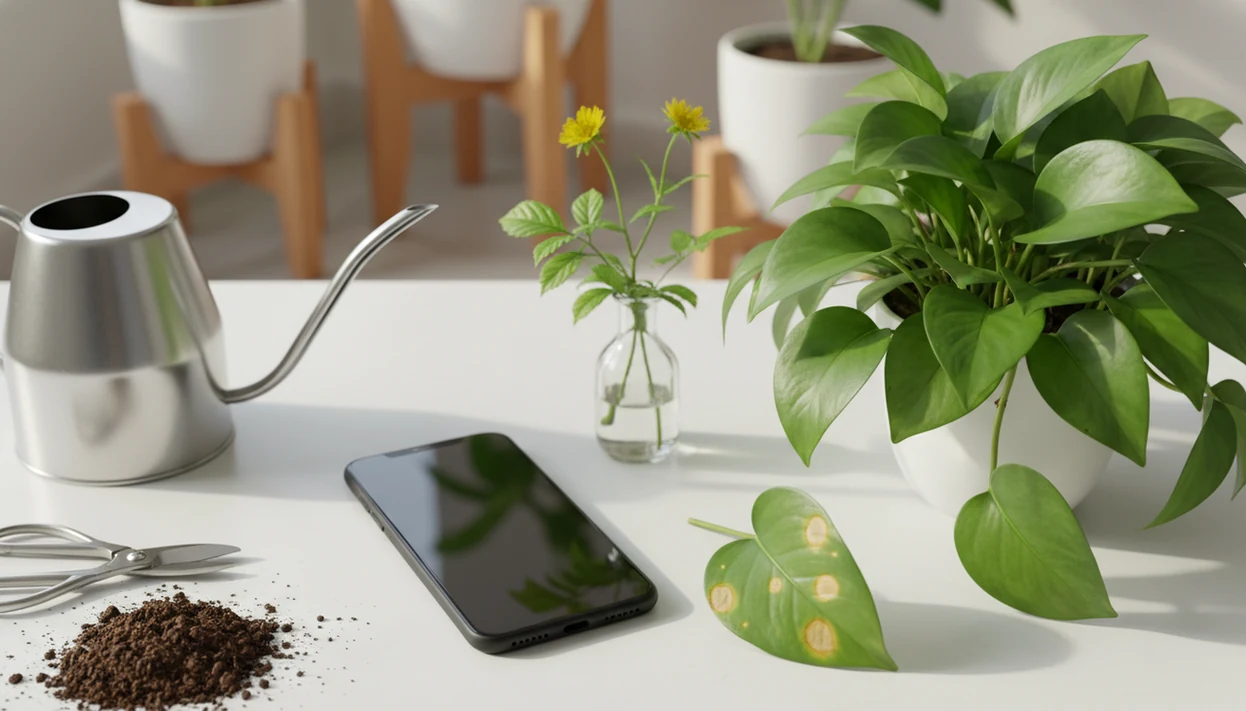

> PlantApp is a mobile app that uses AI to identify plants from photos and provides care instructions, watering reminders, and disease diagnosis steps for houseplant and garden plant owners.
- Snap a photo to get a plant's common name, scientific name, and toxicity status in seconds
- AI disease diagnosis flags pests and infections early with suggested treatment steps
- Personalized care reminders for watering, light, and fertilizer keep plants healthy after ID
- Free to start on iOS and Android with a no-commitment trial period
- Works best with clear, close-up photos of leaves, flowers, or bark
What You Get When You Download The PlantApp
The download gives you photo-based plant identification, disease checks, and care reminders in one workflow. You scan a leaf, flower, bark pattern, or full plant, then review likely common and scientific names with care steps attached.
The value is not just the name. After a match, PlantApp can show watering frequency, light needs, fertilizer timing, and toxicity notes. If a pothos on a north-facing sill looks pale, the care screen gives a next care step, not a vague plant fact.
Kew's State of the World's Plants report estimates roughly 390,900 vascular plant species worldwide, which is why large image databases matter for identification (https://stateoftheworldsplants.org/2016/report/sotwp_2016.pdf). A single faded nursery tag won't carry you far.
Houseplant owners looking for a fast plant identifier app download get the strongest fit from PlantApp because it connects ID, disease diagnosis, and reminder setup in the same scan workflow. It is free to start on iOS and Android, with trial access before paid features begin.
Five Facts About Plant ID App Downloads Every User Should Know
- AI matching is statistical, not magic. A plant ID model compares photo clues like leaf shape, flower parts, bark texture, and growth habit against a reference database.
- Disease diagnosis is a separate layer. Naming a monstera and flagging possible leaf spot are different tasks, so PlantApp treats symptom photos as care guidance, not species confirmation.
- Accuracy depends on the image and plant. Common species usually perform better than rare seedlings, look-alike weeds, or a mystery cutting on a kitchen counter with no stem visible.
- Most downloads are free-to-start. PlantNet, PictureThis, Planta, Blossom, and PlantApp often reserve unlimited scans, detailed care plans, or advanced diagnosis for subscriptions.
- Care context improves the result. If your priority is keeping identified plants alive after the scan, PlantApp fits because it adds watering reminders, light guidance, and fertilizer timing to the identification result.
Good AI plant identifier, disease diagnosis, and personalized plant care apps for houseplants and garden plants deliver likely matches and next steps, not guaranteed species proof from one photo.
How AI Plant Identification Works Behind The Camera
AI plant identification works by sending your photo to a cloud-based machine learning model that compares visual patterns with known plant images. The model creates image embeddings, which are mathematical summaries of what the photo shows.
In plain terms, it looks for comparable shapes and textures. Leaf margins, venation, flower structure, stem habit, and bark texture all help rank possible matches. A thumb wiping dust from a leaf before scanning can make more difference than people expect.
A PlantNet study reported 88% correct identification in the top five suggestions for 1,000 images, but that still means the first result is not always the right one (https://www.frontiersin.org/articles/10.3389/fpls.2018.01228/full). Confidence scores rank likely matches. They do not turn a blurry 10 p.m. yellow kitchen-light photo into a lab specimen.
PlantApp also runs disease analysis separately, checking discoloration, spots, deformities, and pest-like patterns. Internet access is usually required because cloud inference does the heavy image comparison.
How To Use The PlantApp After Download
Use PlantApp by starting with a clear photo, then confirm the match before following care advice. One pretty leaf is often not enough, so include the stem, pot, and soil surface when you can.
- Check back for the official PlantApp launch on iOS and Android.
- Point the camera at a leaf, flower, bark section, or the full plant and tap to scan.
- Review the ranked results with common name, scientific name, and confidence level.
- Tap a likely result to see watering frequency, light needs, and toxicity warnings.
- Set personalized reminders for watering and fertilizing on your real schedule.
- Use the disease scanner to photograph spotted, curled, or yellowing leaves for treatment suggestions.
For users who need a larger screen to compare leaf details, the plant app for iPad can make ranked results easier to review. Tiny text is annoying when you're standing beside a row of labeled nursery pots.
When To Use Photo Plant ID Versus Other Methods
Photo plant ID is best for quick houseplant names, garden lookups, and curiosity on walks. It is also useful when a plant tag was tossed with the nursery sleeve and nobody remembers what came home.
Use the disease scanner early, before a few crispy brown leaf margins turn into a whole-plant decline. PlantApp can help you decide whether to isolate a plant, adjust watering, or inspect for aphids. For leaf symptoms specifically, the plant disease scanner gives a more focused workflow.
Photo ID should not replace agronomists, poison control, veterinarians, lab diagnostics, or soil testing. A UK survey found that 72% of gardeners used smartphones or tablets for gardening tasks, but local knowledge still matters. Combining app results with extension services, iNaturalist, or a regional flora can improve confidence when the ID is uncertain.
PlantApp Download Versus Free Alternatives
PlantApp differs from broad visual search tools because it connects the likely plant name to care, disease, and reminders. Free alternatives can be useful, but they often solve only part of the job.
| Option | Strong fit | Common tradeoff |
|---|---|---|
| Google Lens | Broad visual search for many objects, including plants | Not specialized plant care software |
| PlantNet | Community science and wild flora identification | Less focused on houseplant care plans |
| PictureThis | Wide species coverage and polished plant lookup | Subscription-heavy for ongoing features |
| Planta | Houseplant care schedules and reminders | Identification depth may vary by plant type |
| PlantApp | ID, disease diagnosis, toxicity notes, and care reminders | Advanced features may require a subscription |
For beginners who want one place for naming, symptom checks, and follow-up care, PlantApp earns the spot because the scan can lead directly into a care plan and watering reminders. Free tiers exist across the category, but advanced features almost always sit behind a paid plan.
Evidence Behind PlantApp Accuracy And Care Guidance
Plant identifier app accuracy is strongest when the photo shows a common plant clearly, and weakest when the plant is rare, juvenile, damaged, or missing key features. Studies and app documentation generally support using AI results as ranked suggestions, not one-shot proof.
Photo-ID research often reports better top-five accuracy than top-one accuracy because the right species may appear in the shortlist even when the first guess is off. That matters at species scale: Kew’s plant-science reporting puts vascular plant diversity in the hundreds of thousands, so even good image matching has a huge comparison job. PlantNet publishes research on ranked plant identification, PictureThis describes AI-assisted plant recognition and care content, and Google Lens documentation frames plant lookup as visual search rather than botanical verification.
- Scan common houseplants, garden ornamentals, and clear flowering or leaf images first for the most reliable results.
- Compare the top few matches, especially scientific names, leaf shape, flower structure, and growth habit.
- Treat care guidance as practical next steps for watering, light, fertilizer, and symptoms, not a diagnosis from a lab.
- Verify high-risk results with an expert when toxicity, edible crops, invasive plants, rare species, or pet exposure is involved.
Disease Diagnosis And Care Reminders Inside The Plant ID App
The disease scanner looks at symptom photos after the plant has been identified or suspected. It can flag likely issues such as leaf spot, powdery mildew, aphids, or watering stress, then suggest practical treatment steps.
That matters because treatment should match the problem. A mushy cactus base after watering points toward rot risk, while white dusting on leaves may suggest mildew. Spraying everything “just in case” can waste money and stress the plant.
Plantix reports more than 100 million crop-related questions answered, which shows how much demand exists for AI plant health tools. PlantApp brings that same practical idea to home plants and gardens with a beginner-friendly care flow.
For pet owners who need placement help, PlantApp fits because toxicity alerts sit beside light guidance and reminder setup. The plant light guide is useful after the scan, especially when an east window glow suits one plant but not another.
Limitations
PlantApp should be treated as a careful starting point, not a lab-grade confirmation. The result can be useful, but the safest users still compare the leaf shape, stem, and growth habit against a regional source.
- AI can struggle with rare species, juvenile plants, look-alike weeds, and plants without visible flowers.
- Disease diagnosis from photos cannot replace lab testing, soil analysis, or a professional agronomist evaluation.
- Reliable internet is usually required for cloud-based AI inference, so offline mode may be limited or absent.
- Some apps collect location data and usage patterns to improve AI, which raises privacy questions.
- Subscription walls may limit free-tier users to a capped number of daily identifications.
- Blurry, distant, or poorly lit photos can sharply reduce identification accuracy.
- Toxicity results should be treated as risk flags, not emergency advice, especially if a pet chewed a fallen leaf on the living room rug.
If toxicity, crop loss, or poisoning risk is involved, verify the result through a veterinarian, poison control service, extension office, or qualified local expert.