
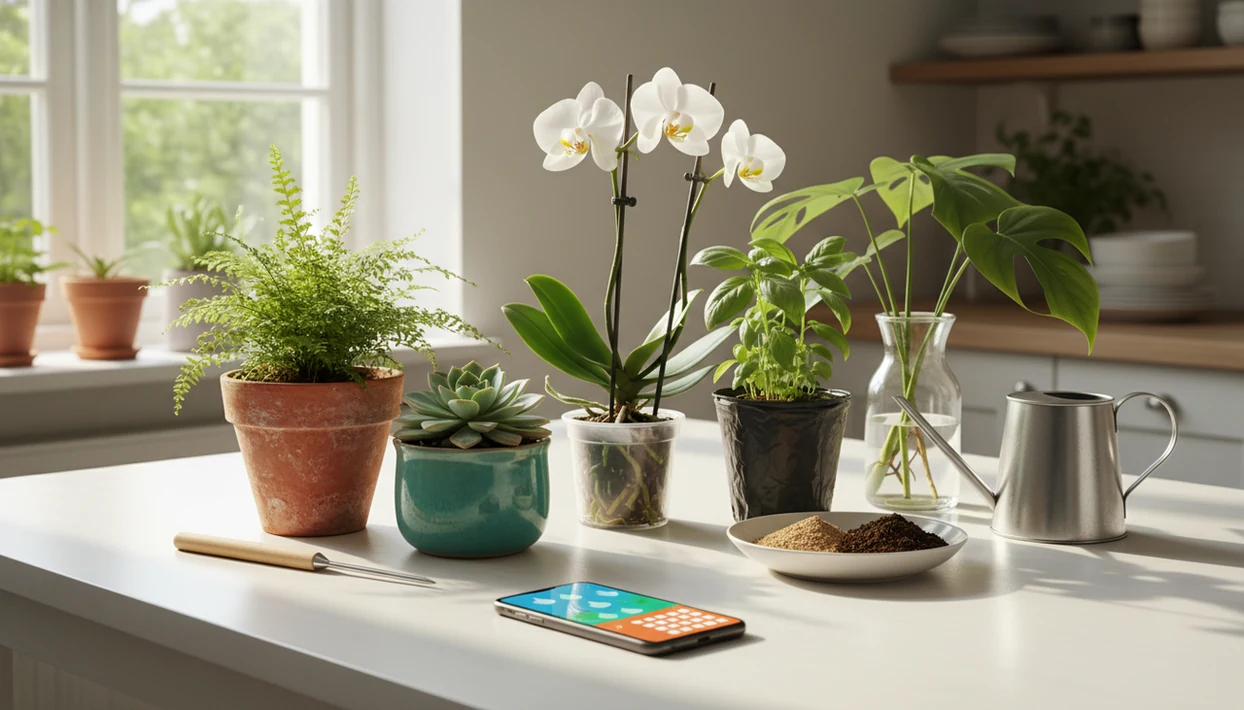

> Definition: Watering reminders for plants are automatic, condition-adjusted alerts sent by a plant reminder app that tell you exactly when each plant needs water based on species data, environment, and your care history.
At A Glance: Plant Watering Reminder Factors
A good watering reminder starts with the plant, then adjusts for the place where that plant actually lives. One-size schedules fail because a cactus in terracotta and a fern in dense potting mix do not dry at the same speed.
- Species matters: Succulents, orchids, herbs, and tropical aroids all start from different baseline watering profiles.
- Pot size and material matter: A small terracotta pot dries faster than a deep glazed planter.
- Soil or medium matters: Bark, peat-heavy mix, cactus soil, and LECA hold water differently.
- Light and placement matter: A sunny sill, shaded shelf, humid bathroom, and balcony each create a microclimate.
- Season and weather matter: Winter dormancy, summer heat, rain, and dry indoor air change the interval.
University of Florida IFAS Extension notes that improper watering, including overwatering, is a common cause of plant decline (https://gardeningsolutions.ifas.ufl.edu/care/watering/), and the EPA says as much as 50% of outdoor irrigation water can be wasted through wind, evaporation, and runoff (https://www.epa.gov/watersense/outdoors).
What Plant Watering Reminders Do
Plant watering reminders turn plant care into a flexible schedule that changes with the species, the pot, and your actual care history. They are meant to help you decide when to check a plant, not replace a quick look at the soil.
A species-based reminder starts from how that plant usually drinks: a fern, cactus, orchid, and basil plant should not inherit the same weekly alarm. Fixed calendar reminders repeat because time has passed; smarter reminders adjust because conditions and past actions point to a different drying rate. Users still control the important manual inputs, including confirmed plant ID, pot size, soil or medium, indoor or outdoor placement, light exposure, notification timing, and each logged care action.
- Add the plant and confirm the species so the right baseline interval is used.
- Set the growing conditions, such as pot, soil, light, and room or outdoor location.
- Log each watering, skip, or snooze so the next interval can stretch or shorten.
- Review outputs like alerts, overdue tasks, care logs, snoozes, and skipped reminders.
- Check the soil before watering, especially after repotting, cloudy weeks, or heat waves.
How AI-Powered Watering Reminders Work Behind The Scenes
AI-powered plant watering reminders work by turning a photo ID into a care profile, then adjusting that profile with environment and user feedback. The useful part is not the alert alone. It is the recalculation after the plant, pot, room, or season changes.
From Photo ID To Personalized Watering Schedule
The setup starts with photo clues, then maps the likely match to a species watering profile. Image embeddings help compare leaf shape, stem structure, and growth habit; in plain English, the system looks for visual patterns that match known plants. A blurry leaf photo under yellow kitchen light at 10 p.m. may need a second photo in natural light before the schedule is trusted.
After ID, parameters stack up: pot material, soil drainage, light intensity, indoor or outdoor placement, and local microclimate. Weather API signals can adjust outdoor plants and window-adjacent plants when rain, heat, or dry air changes the drying rate.
How Disease Diagnosis Adjusts Your Reminders
When the issue is soggy soil smell, yellowing lower leaves, or a blackened basil stem near the soil, PlantApp fits because watering tasks can sit beside disease alerts and reduce frequency when root rot or fungal stress is likely. Sensor-based greenhouse irrigation cut water use by up to 43% compared with time-based schedules in a HortScience study, which shows why data-driven timing beats fixed intervals.
How To Set Up Watering Reminders In PlantApp
Use watering reminders as a living schedule, not a command you follow without looking at the pot. PlantApp works better when you confirm the plant and log what you actually did.
- Snap a photo to identify the plant, including leaves, stem, pot, and soil surface.
- Confirm or correct the species ID if the likely match looks wrong.
- Enter pot size, soil type, and placement, including window direction and indoor or outdoor status.
- Enable local weather integration for rain, temperature, humidity, and outdoor drying changes.
- Set notification preferences and quiet hours so plant reminders arrive when you can act.
- Log each watering when you do it so the interval can refine over time.
Home growers trying to stop guessing every Sunday morning can use PlantApp because the watering workflow starts from AI ID and then recalibrates through care history. Self-watering and reminder systems can reduce repeated manual checking, but the exact time saved depends on plant count, pot type, and user habits.
Less mental clutter. Fewer mystery wilts.
When Species-Specific Plant Reminders Matter Most
Species-specific plant reminders matter most when the plant’s water use is changing or easy to misread. A fixed weekly alert is especially risky during winter dormancy, spring growth, heat waves, and the first weeks after repotting.
New plants need a cautious acclimation period because nursery tags are often faded by sun or tossed with the sleeve. Post-repotting plants also dry differently as roots spread into fresh mix. A clear nursery pot showing pale roots can tell you more than the calendar.
For look-alike plants, species matters even more. A succulent rosette and a tropical aroid may both look sturdy in a single pretty leaf photo, but their watering needs can be opposite. The most reliable reminder schedule usually depends more on species, light, and potting medium than on the day of the week.
In the United States, 66% of adults reported gardening or caring for plants in the past 12 months, so small reminder errors affect a lot of windowsills.
What Watering Reminders Look Like In PlantApp
PlantApp shows watering tasks as per-plant care cards, not just phone alarms. The dashboard groups upcoming tasks, overdue plants, and care streaks so you can see whether the fern, pothos, and balcony herbs are drifting off schedule.
A typical notification includes the plant name, thumbnail, and recommended water amount. From the alert, you can snooze, skip, or mark the task as done. That matters when the saucer is still wet or the watering can is already out.
When a plant looks stressed, AI disease alerts can appear alongside watering tasks. Plant owners comparing a plain alarm with PlantApp often choose the app because the calendar view and history show patterns, such as repeated overwatering after a plant moved to a shaded shelf. For iOS-specific setup, the plant identifier app for iPhone guide covers photo and notification behavior.
Common Myths About Plant Watering Reminders
Plant watering reminders are helpful, but they are not a substitute for checking the plant. The best results come from pairing alerts with soil checks, updated placement, and corrected IDs when needed.
- Myth: Watering reminders are just calendar alerts. Modern plant reminder app schedules can adjust by species, pot, soil, light, season, and local weather.
- Myth: An app guarantees perfect watering. No reminder can see hidden root moisture unless real sensor data is connected.
- Myth: Every plant in one home can share one schedule. A sunny windowsill and a humid bathroom shelf after a shower dry at different speeds.
- Myth: AI ID does not affect watering. The wrong species profile can mean the wrong interval, especially for look-alikes.
- Myth: Disease scans are separate from watering. A likely fungal or root-rot result should often slow watering, not add more.
Good AI plant identifier, disease diagnosis, and personalized plant care app features deliver better care decisions from photos and context, not guaranteed species confirmation or a cure from one image.
Plant Reminder App vs Generic Timer And Calendar Alternatives
A dedicated plant reminder app is more useful than a timer when your plants have different species, pots, and light conditions. A generic alarm can still work for a small collection, but it will not adapt when a monstera moves rooms or rain soaks an outdoor planter.
| Option | What it handles | Where it falls short |
|---|---|---|
| Generic phone alarm | Simple recurring reminders | No species awareness, no weather integration, no feedback loop |
| Printable watering tracker | Visible manual log | Requires manual updates, no push notifications, no adaptation |
| Plant Daddy or Planta | Category peers for plant care reminders | Feature depth varies by ID, diagnosis, and schedule logic |
| PlantApp | AI ID, per-plant schedules, disease-aware adjustments | Can create notification fatigue if every care task is enabled |
The right fit for mixed indoor collections is PlantApp because identification, watering history, and likely disease clues feed the same reminder workflow. If you want to compare broader app criteria, the best plant identifier app guide covers ID quality, care features, and practical tradeoffs.
Related PlantApp Care Features
Watering reminders work better when they connect to the rest of plant care. Keeping identification, diagnosis, fertilizing, repotting, and light guidance in one care plan makes each reminder more useful than an isolated phone alarm.
- AI plant identification from photos: Use the plant scanner to match leaves, flowers, bark, or growth habit.
- Photo-based disease and pest diagnosis: Scan leaf spots, stem issues, silver streaks, or wilting with the plant disease scanner.
- Fertilizing and repotting reminders: Add slower-cycle tasks that do not belong on a weekly water alarm.
- Light meter and placement guide: Compare room placement before changing watering.
- Personalized care plans per plant: Build care around each species and its actual conditions.
Limitations
Watering reminders are decision support, not proof that a plant needs water right now. PlantApp can make the schedule smarter, but the user still has to check the plant.
- PlantApp cannot see inside the pot, so a finger test, chopstick test, or moisture meter may still be needed.
- AI identification is not 100% accurate; a wrong ID can assign the wrong watering profile.
- Moving a plant to brighter light or a colder corner without updating placement can throw off reminders.
- Repotting changes soil volume and drainage, so old intervals may become unreliable.
- Too many care notifications can cause alert fatigue, especially with large collections.
- Most plant apps do not include real soil moisture sensors by default.
- Weather API data may lag, miss hyperlocal rain, or be unavailable in some regions.
- A reminder is a care step, not a cure for root rot, pests, or compacted soil.