
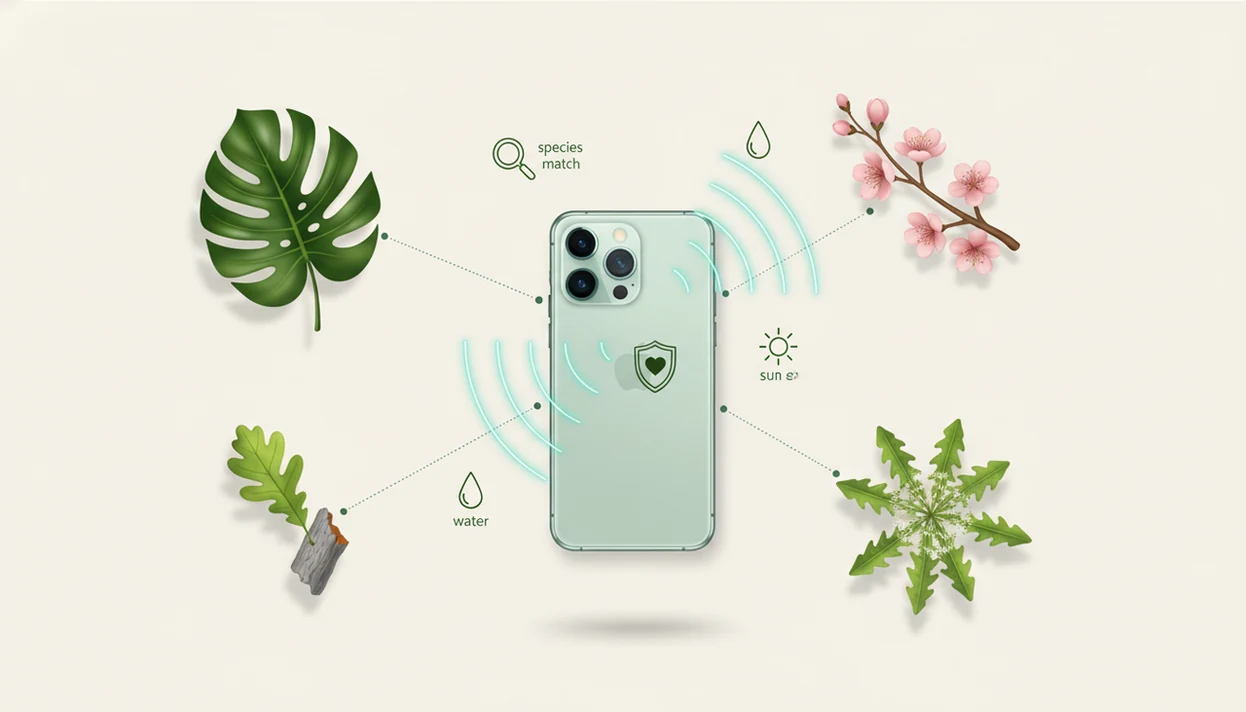

> Definition: A plant scanner is an AI-powered feature in a plant identifier app that analyzes a photo of a plant to return species matches, health assessments, and actionable care recommendations.
- Snap or upload a photo and the plant scanner returns ranked species matches with confidence indicators.
- Results include lookalike warnings, disease flags, and toxicity alerts, not just a name.
- Identification connects directly to watering, light, pruning, and monitoring care workflows.
At a Glance: What a Plant Scanner App Does
A plant scanner app identifies plants from leaves, flowers, bark, stems, or whole-plant photos, then connects the likely match to care advice. The stronger versions also flag disease, pests, nutrient stress, and toxicity risks from the same scan.
This is useful when the nursery tag is gone, sun-faded, or still sitting in the trash with the sleeve. You can scan a plant photo, compare ranked matches, and move straight into watering, light, and fertilizing steps.
If the priority is fast identification plus next-step care, PlantApp fits because the scan result links the likely species to care schedules and health checks in one workflow.
Smartphone adoption makes camera-based plant identification practical for most plant owners now. A 2021 Pew fact sheet reported that smartphone use among U.S. adults was high enough to make mobile camera tools broadly accessible source.
Five Facts Every Plant Scanner User Should Know
- A plant scanner matches your photo against large labeled image databases to return likely species names, toxicity notes, and growth habits.
- Many scanners now include disease and pest recognition, with suggested care steps or warnings when symptoms look serious.
- Species-level accuracy varies by photo quality, plant type, growth stage, and training data. Independent research has found wide accuracy ranges across automated plant identification systems source.
- Multiple clear photos in natural light usually improve results. One pretty leaf is rarely as useful as a leaf, stem, flower, and whole-plant view.
- The real value comes from combining ID, health status, and ongoing care guidance instead of stopping at a plant name.
For new plant owners, the best fit is a scanner that shows a likely match, then turns that result into watering, light, and monitoring tasks.
Good AI plant identifier, disease diagnosis, and personalized plant care apps for houseplants and garden plants deliver informed triage, not guaranteed species confirmation from one photo.
How the Plant Scanner Works: AI and Image Matching
A plant scanner works by converting your photo into visual patterns, then comparing those patterns with expert-labeled plant images. Many systems use convolutional neural networks, a type of deep learning model that learns shapes, textures, veins, flowers, and growth habits.
The result is a ranked probability list, not a single certain answer. That matters when a pothos cutting looks like a philodendron, or when rusty speckles on rose foliage could point to more than one issue.
Deep learning disease classification can perform well on curated datasets, but real homes are messier. For example, plant-disease image models often perform best on controlled image datasets such as PlantVillage, while field photos introduce lighting, background, and angle problems that reduce reliability source. Yellow kitchen light at 10 p.m., glare on waxy leaves, and a half-hidden stem can all weaken a match.
Confidence scores help users decide what to do next. For common houseplants, a high-confidence match may be enough for care guidance. For suspected toxicity, unusual wild plants, or expensive crops, check against a regional source or expert.
How to Scan a Plant Photo for Accurate Results
Use the scanner like a careful field note, not a rushed snapshot. The macro shot of striped leaf veins helps, but the stem and growth habit often settle the match.
- Open PlantApp and select the scanner.
- Capture or upload a clear photo in bright natural light, avoiding heavy shadow or yellow indoor lighting.
- Include several plant parts, such as leaf, flower, bark, stem, soil surface, and a whole-plant view.
- Review ranked matches, confidence scores, and visual lookalike warnings before choosing a result.
- Tap the likely match to see care, watering, pruning, and disease guidance.
- Save the plant to your collection for ongoing reminders and seasonal checks.
Small details matter.
If condition clues are changing fast, then PlantApp helps because saved scans let you compare today’s leaf spots with earlier photos and care notes.
When to Use the Plant Scanner for Leaves, Flowers, and Weeds
Use a plant scanner when you need a quick likely ID or a care direction before making a change. It is especially helpful for unknown houseplants, garden volunteers, trees in a new yard, and weeds you do not recognize.
A scan can also help when leaves curl, wilt, yellow, or develop spots. Treat the disease result as a care step, not a cure. Blackened basil stem near soil, for example, may suggest a moisture or disease problem that needs closer inspection.
Houseplant owners, gardeners, landscapers, and new homeowners all benefit from fast camera-based ID. A cat sniffing a dangling vine is a good time to check toxicity, then verify anything risky through a pet poison resource or veterinarian.
For pet households, toxicity alerts are most useful when they appear beside the plant result instead of hiding in a separate lookup.
What the Plant Scanner Looks Like in PlantApp
PlantApp shows ranked matches with confidence percentages, visual lookalike comparisons, and care actions tied to the selected plant. Disease and pest flags appear alongside species results, so you are not forced to run a separate search.
After a scan, one tap opens watering schedules, light recommendations, pruning tips, and seasonal tasks. That is useful when leggy stems are leaning toward glass and you need to know whether the issue is low light, watering, or normal growth.
PlantApp also keeps the result connected to your collection, so reminders and risk alerts follow the plant after the first scan. For users comparing broader options, our best plant identifier app guide explains how identification, diagnosis, privacy, and pricing differ across apps.
Plant Scanner App vs. Manual Identification Alternatives
AI scanning is fastest, but it is not always the final authority. Manual methods still matter when the plant is rare, toxic, diseased, or valuable.
| Method | Strength | Tradeoff | Use it when |
|---|---|---|---|
| AI plant scanner | Instant, portable, includes care steps | Limited by photo quality and training data | You need a likely match and same-day care guidance |
| Field guides and books | Strong regional context | Slower and requires experience | You know the local flora and can compare details |
| Online forums | Human review may catch odd clues | Response time and expertise vary | You have multiple photos and can wait |
| Extension services or plant clinics | Strong for complex disease cases | Not instant and may require samples | Symptoms persist, crops are valuable, or toxicity is suspected |
For most home plant owners, a plant scanner is often faster than a field guide because it narrows likely matches before you compare leaf shape, stem, and growth habit.
PictureThis, Pl@ntNet, Planta, and Blossom all approach scanning differently. PlantApp focuses on linking ID, diagnosis, and care reminders after the scan rather than treating them as separate stops.
Related PlantApp Features
Plant scanning works better when it connects to the rest of plant care. PlantApp pairs identification with disease review, care scheduling, plant collection management, and pet-safety checks.
The plant disease scanner is useful when leaf spots, wilting, brown tips, or pest signs are the main concern. Ongoing watering reminders for plants help after the scan, especially when the soil line is shrinking from the pot edge or the saucer keeps collecting runoff.
You can also keep identified plants in a collection or “my garden” view, then review toxicity alerts before placing plants near pets or children.
Limitations
Plant scanners are helpful triage tools, but they have real limits.
- Visually similar species can be misidentified, especially when flowers, fruit, bark, or stems are missing.
- Early disease symptoms may look alike, so a scan can confuse pests, nutrient stress, sunburn, and fungal spots.
- Most apps are stronger for certain regions or popular plant groups; underrepresented wild plants may return weaker matches.
- Photo-based diagnosis cannot see root rot, compacted soil, drainage problems, or internal stem damage below the surface.
- Treatment suggestions may not match local pesticide rules or integrated pest management standards.
- One photo of a single leaf is often insufficient. Multiple angles and plant parts improve the result.
- Automated accuracy varies by dataset, species, growth stage, lighting, and real-world photo conditions.
- Privacy policies vary. Some services may store photos, location metadata, or use submitted images to improve AI models.
For high-risk decisions, use the app result as a starting point, then confirm through a regional extension service, plant clinic, veterinarian, or qualified local expert.