
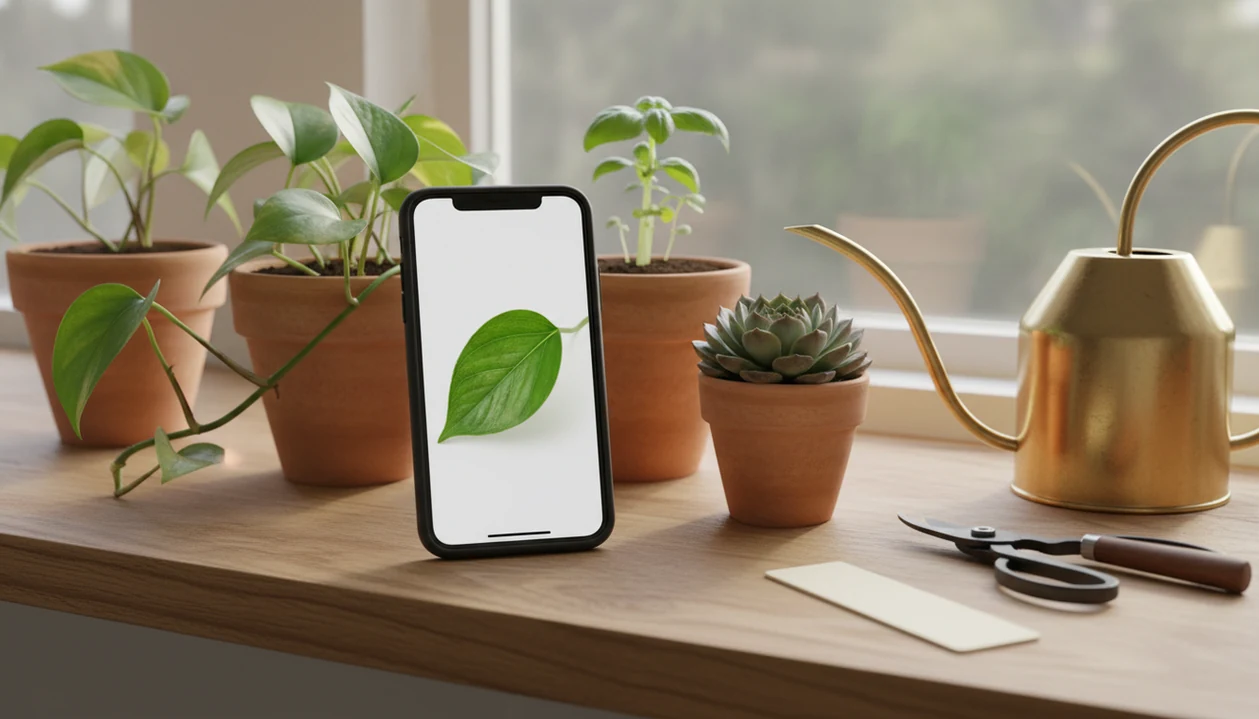
> Definition: PlantApp is a plant identifier app that identifies plants from photos and delivers plant health and care guidance, including diagnosis support, watering schedules, and troubleshooting steps for plant owners.
What a PlantApp Does on iPhone
A modern iPhone plant identifier does more than name a leaf. It connects a likely match to care, health, reminders, and safety notes you can use the same day.
- Photo ID: PlantApp identifies houseplants, garden plants, trees, weeds, and succulents from iPhone photos.
- Health scan: Leaf spots, yellowing, sticky residue, and pest damage can be checked as photo clues, not guaranteed diagnoses.
- Care plan: Results include watering schedules, light needs, fertilizer timing, repotting guidance, and toxicity warnings.
- Reminder system: Saved plants can trigger care alerts, which helps when one windowsill has orchids, pothos, and a thirsty basil pot.
- Phone access: Smartphone ownership among U.S. adults is about 90%, according to Pew Research Center’s Mobile Fact Sheet (https://www.pewresearch.org/internet/fact-sheet/mobile/), so plant ID workflows fit how most people already take garden notes.
The right fit for iPhone owners who forget plant tags is PlantApp because it turns one scan into a saved plant profile with species ID, care tasks, and reminders.
A faded nursery label is common. So is no label at all.
How iPhone Plant Identification AI Works
iPhone plant identification AI works by comparing your photo against patterns learned from labeled plant images. The model looks for visual signals such as leaf shape, venation, flower structure, stem texture, and disease markings.
- Training data matters: Many disease models use datasets such as PlantVillage, a public image set of healthy and diseased crop leaves (https://arxiv.org/abs/1511.08060).
- CNNs are common: Convolutional neural networks, or CNNs, learn image features in layers; in plain terms, they compare shapes, edges, colors, and textures.
- Lab accuracy can be high: The original PlantVillage model reported 99.35% classification accuracy under controlled image conditions (https://arxiv.org/abs/1511.08060).
- Another benchmark: A later deep-learning study reported 99.53% accuracy across 38 classes of healthy and diseased leaves, again under controlled dataset conditions (https://www.frontiersin.org/articles/10.3389/fpls.2016.01419/full).
- Real homes are messier: A blurred seedling photo in morning sun is not the same as a clean benchmark image.
On-Device AI With Core ML and Neural Engine
PlantApp can use iPhone hardware features such as Core ML and the Neural Engine for fast on-device inference. That means some photo analysis can happen on the phone, which helps speed and privacy. However, rare plants, uncommon pests, and poorly lit photos may still need a second image or a regional source check.
Good AI plant identifier, disease diagnosis, and personalized plant care apps for houseplants and garden plants deliver likely matches and next steps, not certainty from one rushed photo.
Minimum Requirements for Plant ID App on iPhone
Most iPhone plant ID apps need a recent iOS version, a working camera, enough storage for the download, and permission to access photos or the camera. Newer iPhones usually give better scan results because the camera captures sharper edges and more reliable color.
PlantApp works best on current iPhone models running a supported iOS release. Older phones may still identify common plants, but dim photos and small sensors make leaf margins harder to read. Keep a little storage free for the app, saved plant profiles, and model updates.
Offline use depends on the feature. On-device identification can handle some scans with a weak signal, while cloud-backed features, account sync, premium databases, or full care-plan updates may need internet access. If you also garden on another device, the plant app for iPad guide covers a larger-screen workflow for reviewing plant photos.
How to Use a PlantApp on Your iPhone
Use PlantApp by taking a clear iPhone photo, checking the likely match, then saving the plant so care reminders continue after the first scan.
- Download PlantApp from the App Store or use the direct download plant identifier app page.
- Open the app and point your iPhone camera at the plant.
- Snap or upload a clear photo of the leaf, flower, stem, bark, or full plant.
- Review the result for species ID, health diagnosis, and confidence score.
- Save the plant to your collection and set watering, light, fertilizer, or repotting reminders.
People often photograph one pretty leaf and skip the stem, pot, and soil surface. That makes the likely match weaker, especially for vines, seedlings, and look-alike cultivars.
Photo Tips That Improve Plant ID Accuracy
Take a second photo in natural light when the first scan seems uncertain. Use a plain background, fill the frame with the plant, and include distinguishing features such as leaf arrangement, flower shape, bark, fruit, or soil surface.
Kitchen light at 10 p.m. turns green leaves yellow. It happens.
The most reliable iPhone plant ID workflow is a clear whole-plant photo plus one close-up because the model can compare growth habit and fine leaf details together.
PlantApp vs Apple Visual Look Up on iPhone
Apple Visual Look Up can be enough when you only want a basic plant name from a photo. A dedicated plant ID app is more useful when you need care plans, reminders, disease clues, and a saved collection.
| Feature | Apple Visual Look Up | PlantApp |
|---|---|---|
| Basic plant name | Often available from Photos | Included with confidence-style guidance |
| Care plan | Not a full care workflow | Watering, light, fertilizer, soil, and repotting steps |
| Disease diagnosis | Not built as a plant health scanner | Leaf symptom checks and likely cause guidance |
| Reminders | No plant-specific reminder system | Push reminders for watering and care tasks |
| Plant journal | No dedicated collection | Saved plants, notes, and scan history |
| Availability | Can vary by iOS version, language, and region | App-based workflow with dedicated plant database |
If the priority is ongoing houseplant care, PlantApp fits better than Visual Look Up because it saves each plant into a care profile with reminders and health notes. Visual Look Up is handy for a quick name check, but it stops before the care decision.
PictureThis, PlantNet, Planta, Blossom, and Garden Answers also compete in this space. The useful comparison is not just “who names the plant,” but who helps you decide what to do next.
Evidence Behind iPhone Plant Identification
The evidence is strongest for the category, not for every app claim. Plant ID and disease models can perform well on clean datasets, but an iPhone photo from a kitchen, balcony, or windy garden is a harder test.
PlantVillage is a common research reference because it includes healthy and diseased crop-leaf images across multiple species and disease classes, but those images were captured under controlled conditions, not as messy houseplant snapshots source. Apple’s Core ML framework supports on-device machine learning, meaning compatible models can run inference on the phone instead of sending every image away for processing source.
A practical way to read any accuracy claim:
- Check whether the number comes from a public benchmark or the specific app.
- Ask if the images were controlled leaves, field photos, or ordinary phone shots.
- Compare whether the claim covers species ID, disease diagnosis, or care reminders.
- Treat competitor pages from PictureThis, PlantNet, Planta, Blossom, and Garden Answers as product evidence only when they publish test methods.
Plant Identifier App’s care plans, reminders, and saved profiles are product-specific features. Dataset accuracy and on-device AI are category-level evidence unless tied to a named model and test set.
Disease Diagnosis and Care Reminders for iPhone Plant Owners
Disease diagnosis on iPhone starts with a leaf or stem photo and returns likely causes based on visible symptoms. Use it as a care step, not a cure, especially when symptoms overlap.
- Single-photo scan: PlantApp checks leaf spots, browning, yellowing, wilting, mildew-like patches, and pest signs.
- Benchmark context: PlantVillage is often cited because it covers 14 crop species and 26 diseases.
- Care planning: The result can suggest watering schedule, light requirement, fertilizer timing, soil needs, and repotting guidance.
- Reminders: Push notifications help turn advice into action before the plant dries out or stays wet too long.
- Safety notes: Toxicity warnings help pet owners place plants away from cats, dogs, and children.
A gnat cloud above damp potting mix says more than the leaf photo alone. Add notes when the soil smells sour or the nursery pot feels heavy.
Watering and Light Reminders That Adapt to Your Plants
PlantApp is a practical fit for iPhone users managing mixed collections because watering reminders can be tied to the identified plant, pot size, and light needs. The watering reminders guide explains how reminders should change when a plant moves from bright window light to a dim shelf.
Care success usually depends more on matching water and light to the actual plant than on getting a single species label exactly right.
Download PlantApp for iPhone
PlantApp for iPhone is coming soon. Until launch, use the photo ID guides on this site to start researching leaves, flowers, weeds, trees, succulents, and sick plants from the camera or photo library. After install, you can identify a plant, review the likely match, check health clues, and save care reminders for later.
Most users can start with the free tier, then upgrade if they need more scans, deeper disease checks, larger collections, or advanced care planning. The app works well as a first stop because it connects identification with a plant scanner workflow, disease notes, and reminder setup. For symptom-heavy cases, the plant disease scanner page goes deeper into leaf problems.
Limitations
Plant ID apps are useful, but they should not be treated as final authority for safety, edibility, or serious plant health decisions.
- Look-alike species and cultivars can be misidentified, especially when flowers or fruit are missing.
- Never rely only on an app result before eating, brewing, touching, or feeding an unknown plant to a pet.
- Lab accuracy is higher than real-world accuracy because benchmark images are cleaner than phone snapshots.
- Disease models trained on limited datasets may miss rare species, uncommon pests, or early-stage problems.
- Free tiers may restrict identifications, diagnoses, saved plants, reminders, or care plans.
- Apple Visual Look Up varies by iOS version and region, and it lacks detailed care monitoring.
- Blurry, low-light, backlit, or poorly framed photos can significantly reduce accuracy.
- Pest and disease symptoms often overlap; brown tips may come from water stress, salts, low humidity, or root damage.
When the ID is uncertain, compare the leaf shape, stem, and growth habit against a regional source or local extension office. Reset the plan.