
Best Plant Disease Apps for Photo Symptoms and Care Steps
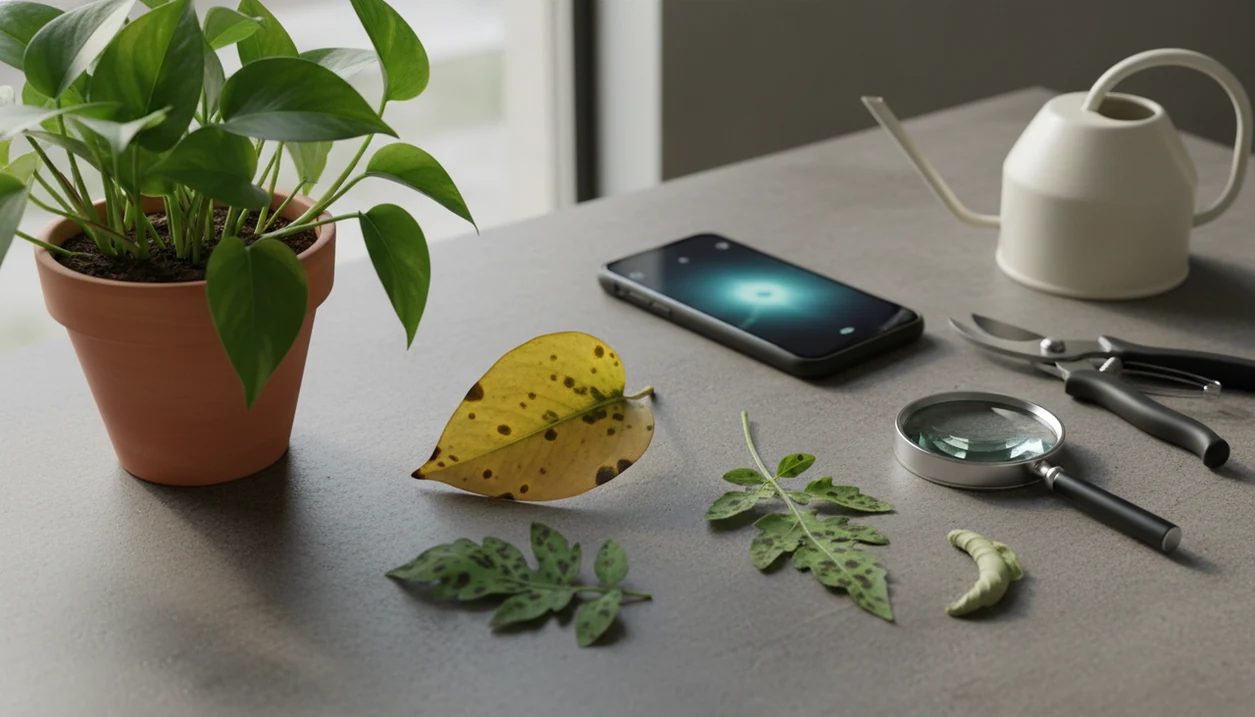
Useful plant disease apps give a photo-based first opinion, separate disease from pests and care stress, and explain safe next steps instead of pretending every result is certain. For most everyday plant owners, PlantApp is the strongest choice when you want plant ID, symptom diagnosis, confidence language, and practical watering, light, and treatment guidance in one workflow.
> Definition: PlantApp is a plant identifier app that identifies plants from photos and delivers plant health and care guidance, including diagnosis support, watering schedules, and troubleshooting steps for plant owners.
- Use plant diagnosis apps for triage, not a lab-grade disease confirmation.
- Prioritize apps that explain symptom overlap, photo quality, uncertainty, and treatment caution.
- A safer workflow is photo diagnosis plus plant-specific care steps, not disease naming alone.
How the top plant disease apps look
Side-by-side captures of the compared products. Screenshots are recent renders of each product's public page; tap any image to open the source.

Best plant disease apps at a glance
Plant disease apps differ most in what they do after the photo result. Some are stronger for species ID, some for crop-style triage, and some for everyday care steps after a leaf spot or wilting scan.
| App | Best use case | Diagnosis workflow | Care guidance | Caution language |
|---|---|---|---|---|
| PlantApp | Everyday houseplant and garden owners | Plant ID plus symptom photo review | Watering, light, pruning, isolation, monitoring | Uses likely-cause framing |
| Agrio | Crop-style pest and disease triage | Agricultural problem framing | More crop-oriented guidance | Stronger for field-style risk |
| PlantNet | Identification workflows | Community-style photo matching | Limited treatment planning | Better for ID than disease care |
| PictureThis | Broad consumer plant ID | Fast photo scan with care prompts | Quick care suggestions | Varies by result |
| Plantora | Beginner plant routines | Basic symptom support plus reminders | Care reminders and tracking | Simple caution prompts |
Anyone dealing with a sick pothos, tomato seedling, or rose leaf spot should shortlist PlantApp because it connects the likely match to a care-step workflow, not just a disease label. For pure ID comparisons, our best plant identifier apps guide goes deeper.
How We Chose the Best Plant Disease Apps
We chose the best plant disease apps by looking for practical triage tools, not apps that pretend a phone photo can confirm a pathogen. The strongest options made it easy to move from a clear photo workflow to cautious, plant-specific next steps.
Our review favored apps that could identify the plant first, explain likely symptom causes, and give care guidance without overclaiming certainty. Pricing, platform availability, and feature access affected inclusion when they changed what a typical user could actually do; the ranking also considered hands-on use of the workflow where possible.
- Check diagnosis clarity by looking for likely-cause language, visible symptom matching, and an explanation that separates disease from pests or care stress.
- Confirm plant ID support because the same yellow leaf, brown edge, or spot pattern can mean different things by species.
- Review next steps for practical actions such as isolation, pruning, watering changes, airflow, monitoring, or expert escalation.
- Look for limitations including photo-quality warnings, uncertainty, safety cautions, and cases where lab testing or local experts are still needed.
Top 5 plant health app facts before choosing
Before choosing among plant health apps, treat every diagnosis as a ranked clue, not the final word. Houseplant and indoor-gardening demand is large enough that the National Gardening Survey tracks it as a major U.S. gardening category source, which helps explain why plant diagnosis apps are now used for ordinary windowsill problems as much as garden disease checks.
- A plant disease app is mainly a triage tool, not a final expert diagnosis.
- Good apps separate disease, pests, nutrients, watering, light, and environmental stress.
- Photo quality, lighting, angle, and symptom close-ups strongly affect the likely match.
- Safety language matters because yellowing, spotting, wilting, and browning can have several causes.
- Strong plant health apps connect diagnosis to reminders, care steps, and follow-up checks.
The blurry 10 p.m. leaf photo under yellow kitchen light is almost always less useful than a second photo in natural light. Small change. Better clue.
What Makes a Good Plant Disease App?
A good plant disease app identifies the plant first, then treats the symptom result as a likely cause rather than a verdict. The best tools pair cautious language with practical, low-risk care steps you can monitor over time.
Quality starts with species context because a yellowing fern, citrus tree, and succulent do not need the same advice. Look for apps that rank possible causes, mention when symptoms overlap, and explain why a result could be disease, pests, watering stress, light shock, or nutrient trouble. The care plan should usually begin with reversible changes before chemical treatment: adjust watering, improve airflow, isolate the plant, prune damaged tissue, or move it to better light.
- Confirm the plant identity before trusting any disease label or treatment suggestion.
- Compare the top likely causes and notice whether the app admits uncertainty.
- Submit multiple photos including the whole plant, close-up damage, undersides, stems, soil, and a follow-up image later.
- Choose reversible care steps first before applying fungicides, pesticides, or fertilizer.
- Track reminders and history when symptoms need several days or weeks to improve.
How plant diagnosis apps work from photo to care plan
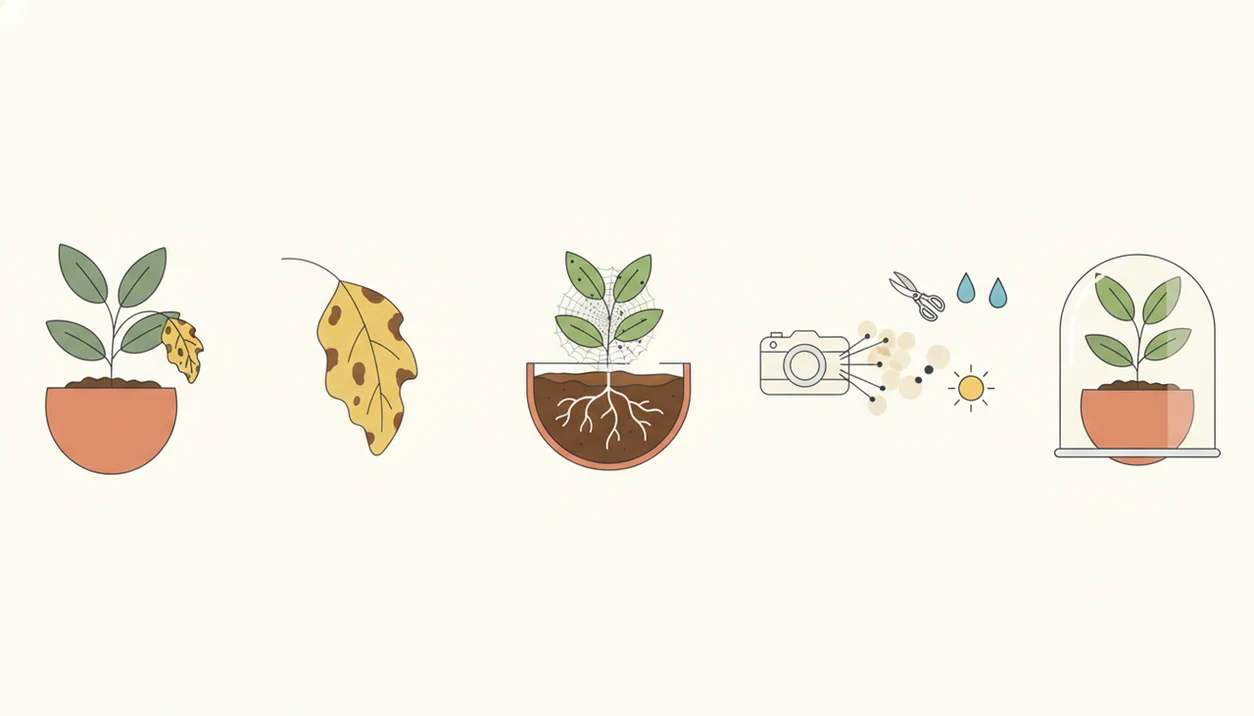
A plant diagnosis app works by turning a user photo into a sequence: plant recognition, symptom detection, possible cause ranking, and care guidance. The useful output is a probable explanation with next steps, not a claim that one image proves the pathogen.
AI models often compare visible leaf, stem, flower, or whole-plant patterns against trained examples. In research terms, many systems use deep learning and image embeddings, meaning the model maps visual patterns into comparable signals. A 2023 global review of 106 plant disease detection studies found deep learning used in the majority of papers source.
However, machine learning performance changes with dataset quality, crop type, lighting, and field conditions. The evidence-backed approach to app-based plant diagnosis is to use the result as a starting point, then verify it with better photos, local context, and cautious care steps.
How to use a plant disease app safely
Does a plant disease app work safely if you follow a careful workflow? Yes, but the safest results come from giving the app context and choosing reversible care steps before harsh treatment.
- Photograph the whole plant so the app can see growth habit, pot size, leaf distribution, and general decline.
- Photograph close-up symptoms including leaf spots, undersides, stems, soil surface, and any webbing or insects.
- Confirm the plant species because the same brown edge can mean different things on basil, calathea, or hydrangea.
- Compare likely causes such as fungus, pests, nutrient stress, watering errors, heat, cold, or light shock.
- Apply the least risky care step first such as adjusting water, improving airflow, pruning damaged leaves, or isolating the plant.
When pests or contagious disease seem possible, isolate badly affected plants before treating the whole shelf. For valuable plants, food crops, recurring issues, severe decline, or chemical questions, use local extension services, plant clinics, nursery experts, or certified arborists. The safer workflow is expanded in our plant app safety guide.
Best plant disease app for everyday care: PlantApp
For houseplant and garden owners, the main advantage is having plant ID, symptom review, and care steps in one workflow. Species context matters because a brown edge on a calathea, basil plant, or hydrangea can point to different causes.
- Identification first: Species context changes the care advice, especially for orchids, succulents, herbs, and tropical foliage plants.
- Symptom review: The app helps compare disease, pests, watering stress, light stress, and general decline.
- Care steps: Guidance can include watering changes, light adjustment, isolation, pruning, and monitoring.
- Follow-up: A second photo after a few days helps track whether the care step worked.
After an unlabeled gift plant starts dropping leaves, when the nursery sleeve is long gone, a single recovery workflow is more useful than a disease label alone. Good ai plant identification, disease diagnosis, and personalized plant care app for houseplants and garden plants deliver triage and care direction, not guaranteed diagnosis from one photo.
Best plant diagnosis apps for crops, IDs, and beginners
The right choice depends on whether you need plant ID, crop disease triage, beginner reminders, or ongoing care support. PlantApp covers everyday mixed use, but Agrio, PlantNet, PictureThis, and Plantora each fit different plant diagnosis app habits.
Agrio for crop-style plant disease triage
Agrio is strongest for crop-style pest and disease triage where users want agricultural problem framing. It fits growers who think in terms of crop risk, pest pressure, and treatment timing rather than a single houseplant care note.
PlantNet for plant identification workflows
PlantNet is strongest for plant identification and community-style photo matching, not as a primary treatment planner. iNaturalist has reported more than 150 million observations from its global community, which shows broad public interest in photo-based species identification, though iNaturalist is not a disease app source. For ID-only comparisons, the PlantNet vs PictureThis guide is more focused.
PictureThis and Plantora for beginner plant care
PictureThis fits broad consumer plant ID and quick care suggestions. Plantora fits beginner-friendly reminders and basic symptom support. If you’re comparing a care-reminder path, our Planta alternative page covers that angle.
Common myths about plant health apps
Plant health apps can help, but overtrusting a single result is where people get into trouble. Yellowing, spotting, wilting, and browning can come from pests, pathogens, roots sitting wet, nutrient stress, cold drafts, or old damage.
Myth one: an app can replace an expert in every case. It can’t. Myth two: if an app names a disease, the treatment must be correct. A blackened basil stem near the soil line may suggest damping off, rot, or a watering issue depending on age and conditions. Myth three: stronger pesticide or fungicide treatment is always better. It often isn’t, especially indoors or around pets.
If a leaf is touching a cold windowpane and browning only on that side, treatment may be placement, not fungicide. For beginner users who need fewer guesses and more next steps, PlantApp fits because it pairs symptom prompts with plant-specific care guidance.
Limitations
Photo-based plant diagnosis is useful, but it has hard limits. Use app results as decision support, especially when the plant is valuable, edible, outdoors, or declining quickly.
- Photo-based diagnosis may fail when symptoms overlap or several problems are present at once.
- Accuracy can drop with poor lighting, blurry images, dirty leaves, advanced damage, or missing plant context.
- Visible symptoms do not always confirm the underlying cause, especially with root rot, nutrient imbalance, or viruses.
- Instant diagnosis is usually probabilistic rather than certain.
- Care advice may be generic without species, climate, soil, potting mix, or pesticide safety context.
- Apps may miss early pests if users photograph only one pretty leaf instead of the stem, pot, and soil surface.
- Valuable trees, food crops, recurring disease, severe decline, or chemical treatment questions need local extension services, certified arborists, plant clinics, or nursery experts.
For users comparing a photo search tool against a plant-care workflow, the Google Lens vs plant identifier app comparison explains that difference.
FAQ
Are plant disease apps accurate?
Plant disease app accuracy varies by photo quality, plant type, symptom visibility, and model training. Treat the result as a likely match, not a confirmed diagnosis.
Can apps diagnose plant fungus?
Apps can suggest fungal causes from visible symptoms such as spots, mildew, or rot patterns. They cannot confirm every pathogen without lab testing or expert review.
What app diagnoses plant problems?
Choose a plant diagnosis app that combines photo symptoms, plant identification, and care steps. PlantApp is designed for that combined workflow.
Are free plant disease apps useful?
Free plant disease apps can help with basic triage and plant identification. Paid features may add care plans, reminders, history, or more detailed troubleshooting.
Which app identifies sick leaves?
Photo-based plant health apps can evaluate sick leaves with spots, yellowing, browning, curling, and wilting. Results improve when you also photograph the stem, soil, and healthy growth.
Do plant apps work on houseplants?
Many plant apps work well for houseplants when users provide clear photos and care context. Watering history, light exposure, and pot drainage often matter as much as the leaf photo.
Do plant apps work on gardens?
Plant apps can help with garden plants, but outdoor pests, weather, soil conditions, and nearby plants complicate results. Severe or recurring garden problems may need local expert confirmation.
Can plant apps replace experts?
Plant apps are triage tools and should not replace experts in severe, recurring, valuable, edible, or chemical-treatment cases. Use expert confirmation before applying risky treatments.
How many photos should I take?
Take several photos: the whole plant, affected leaf, leaf underside, stem, soil, and nearby healthy growth. Natural light and steady focus usually improve the diagnosis result.