
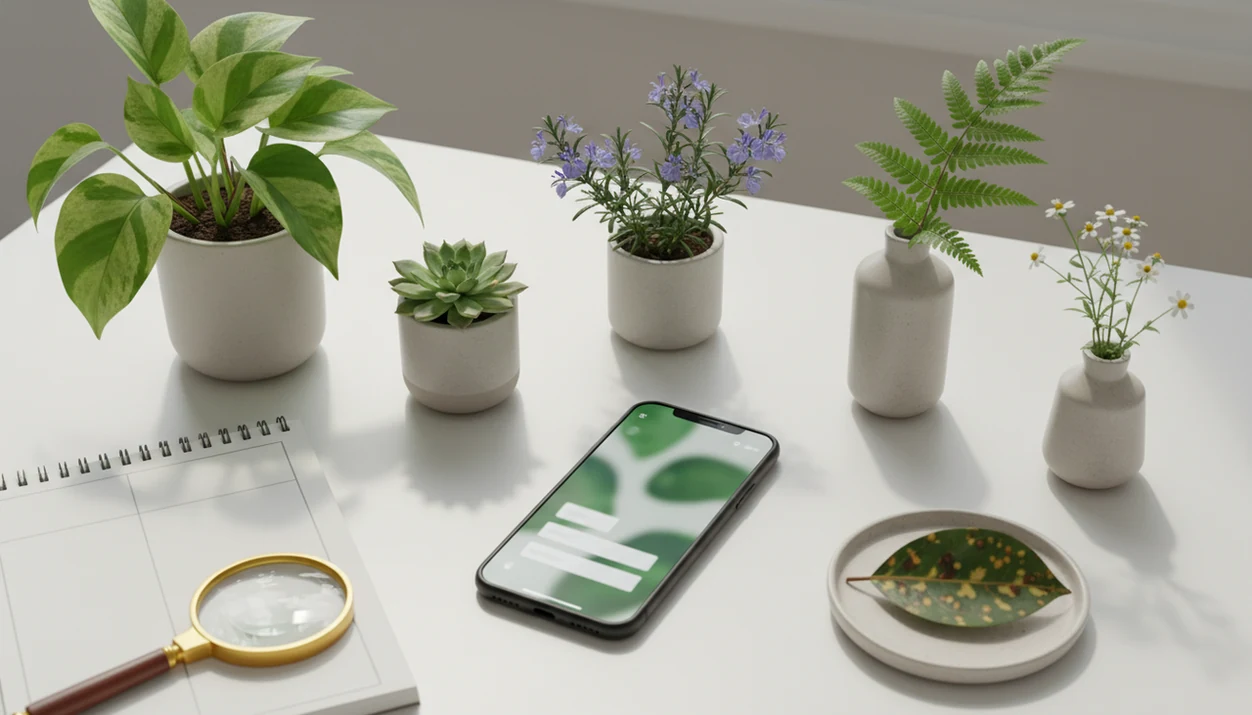

Definition: A plant identifier app is a mobile tool that uses AI image recognition and curated plant databases to identify species from photos and deliver care, watering, and disease troubleshooting guidance.
At-A-Glance Comparison Of Top Plant Identifier Apps
The top plant identifier apps split into two groups: houseplant-care tools and wild-plant biodiversity tools. Use this plant app comparison to match the app to the job before trusting one result.
| App name | Best for | ID method | Disease diagnosis | Care tools | Offline mode | Free tier | Price range |
|---|---|---|---|---|---|---|---|
| PlantApp | Houseplant ID, care plans, disease triage | AI | Yes | Watering, light, soil, alerts | Limited | Yes | Free to paid |
| PictureThis | Fast AI ID and broad ornamental coverage | AI | Yes | Care guides, reminders | Limited | Trial/free limits | Paid subscription |
| Pl@ntNet | Wild plants and biodiversity records | Hybrid | No | Minimal | Some use cases limited | Yes | Free |
| iNaturalist / Seek | Community verification and nature logging | Hybrid | No | No houseplant schedules | Limited | Yes | Free |
| Google Lens | Zero-install quick checks | AI/general search | No | No | Partial | Yes | Free |
| Flora Incognita | Wild plants, especially Europe | AI/science | No | Basic notes | Limited | Yes | Free |
People comparing paid options often narrow the choice further with a PictureThis alternative or a Planta alternative, especially when care reminders matter more than wild-plant recording.
What A Plant Identifier App Does
A plant identifier app turns a phone photo into a likely plant name, then helps you decide what to do next. The best ones do not stop at “this is probably a monstera”; they connect the match to care, risk, and ongoing reminders.
A useful app can read clues from leaves, flowers, stems, bark, or the whole plant, which matters because one cropped leaf can hide the details that separate lookalikes. Instead of treating the first suggestion as final, stronger apps show ranked matches so you can compare the top candidates before acting. For kept plants, the ID should become a living profile with watering, light, soil, toxicity, and symptom notes attached.
A typical workflow looks like this:
- Photograph the plant clearly: Capture the whole plant first, then add close-ups of leaves, flowers, stems, bark, or damaged areas.
- Compare the ranked results: Review the closest matches and confidence cues before accepting a name.
- Check the care notes: Use watering, light, soil, and toxicity guidance to decide the next step.
- Review pest or disease flags: Treat symptom checks as triage when the photo shows spots, webbing, wilting, or rot.
- Save the plant profile: Keep reminders active after the first identification.
Five Facts About Plant App Accuracy And AI Limits
Plant app accuracy depends on species complexity, photo quality, and the breadth of training data behind the model. A macro shot of striped leaf veins helps; one pretty leaf under yellow kitchen light at 10 p.m. usually does not.
- A 2014 randomized controlled trial found a smartphone poison ivy recognition app correctly identified poison ivy in 84.1% of test images (Wilderness & Environmental Medicine).
- A 2011 automated leaf recognition study reported a 90.3% correct classification rate across 32 plant species (IEEE Xplore).
- A 2020 smartphone-based medicinal plant study reached 96.6% overall accuracy across 60 species using deep learning (PubMed Central).
- iNaturalist has collected 150 million+ biodiversity observations, which gives its community and recognition systems unusual scale (iNaturalist).
- Pl@ntNet reports 46,000+ plant species across 45+ floras, making it especially useful for wild plants in supported regions (Pl@ntNet).
For pet owners checking a plant moved to a high shelf, PlantApp fits the everyday safety workflow because the result can pair a likely match with toxicity cautions and next-step care notes.
Named Shortlist: Best Plant Identifier Apps For 2026
Plant identification apps in 2025 are not interchangeable. Choose based on whether you need care, community verification, wild-plant records, or a quick visual search.
- PlantApp — strongest all-round choice for houseplant ID, disease diagnosis, and care plans after the likely match appears.
- PictureThis — strong AI recognition and a large species database, but pricing and upsells deserve attention.
- Pl@ntNet — best free community-science option for wild plants, especially when regional flora coverage is strong.
- iNaturalist / Seek — best for biodiversity recording, expert review, and nature walks where documentation matters.
- Google Lens — best zero-install quick check already on most phones, though it lacks plant-specific care workflows.
Houseplant owners trying to stop the same pothos from yellowing every month will usually get more value from PlantApp than from a biodiversity logger because the care plan continues after the name appears.
How AI Plant Identifier Apps Work Behind The Lens
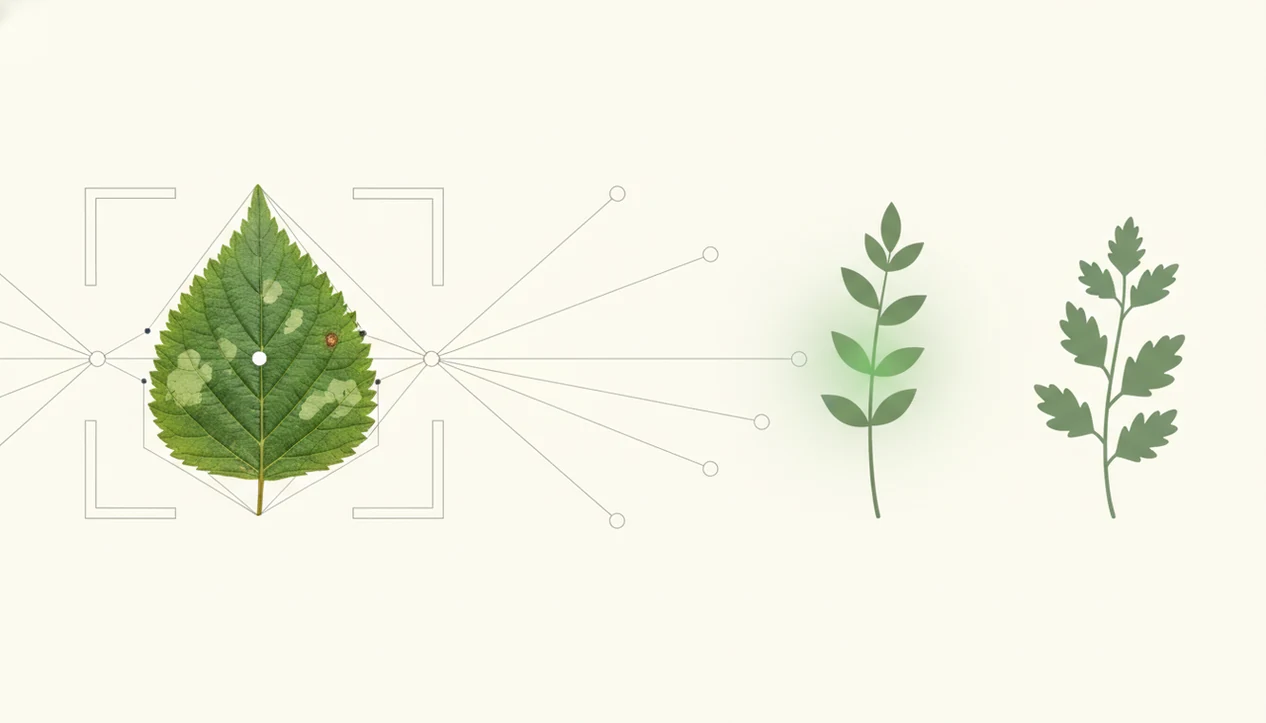
AI plant identifier apps compare your photo against learned visual patterns, then return ranked likely matches. Most use convolutional neural networks or newer image models trained on large sets of labeled plant photos.
The model extracts photo clues such as leaf shape, venation, flower morphology, bark texture, and growth habit. In plain English, it looks for repeatable visual fingerprints. Better apps show a confidence score or several possible matches instead of pretending one photo gives final certainty. Good AI plant identifier, disease diagnosis, and personalized plant care app for houseplants and garden plants should deliver a likely match and next care step, not a guaranteed species ruling.
Community systems like Pl@ntNet and iNaturalist improve through feedback loops, where user observations and reviewed labels strengthen future suggestions. Still, immature plants, rare cultivars, glare, and cropped leaves reduce accuracy fast. We see this often when users photograph only the prettiest leaf and miss the stem, pot, and soil surface.
For indoor growers who want the ID to become a care routine, PlantApp fits because the photo result leads into watering, light, and disease troubleshooting steps.
Six Steps To Choose And Use A Plant Identifier App
The most reliable way to use a plant ID app is to treat the result as a starting point, then confirm anything risky. The process matters as much as the app name.
- Define your use case: Choose houseplant care, wild foraging support, weed control, tree ID, or garden disease triage before downloading.
- Download two apps: Pair one AI-first app with one community-verified app so you can cross-check uncertain matches.
- Photograph the whole plant: Take a second photo in natural light, capturing leaf, flower, stem, and growth habit.
- Review the confidence score: Compare the top three suggestions, not just the first label.
- Cross-check high-stakes IDs: Confirm toxic, edible, invasive, or crop-related results with a second source or local extension service.
- Set care reminders: For plants you keep, add watering, light, soil, and disease alerts.
On days when soft roots are rinsed in the sink and the potting mix smells sour, PlantApp earns its place because the disease check turns the ID into a prioritized recovery workflow. If disease triage is your main concern, compare it with our best plant disease apps guide.
Testing Criteria For The Best Plant Identifier Apps
We judged the best plant identifier apps by accuracy evidence, not only App Store language. The core criteria were photo-ID performance in independent tests, disease-diagnosis depth, care-tool breadth, offline availability, pricing transparency, and privacy policy clarity.
We separated houseplant-care apps from biodiversity-recording apps because they solve different problems. A windowsill plant shelf packed three tiers high needs reminders, toxicity notes, and brown-tip troubleshooting. A trail user needs regional flora coverage and community review. Different winners.
Testing included common and less common species, young leaves, mature leaves, shaded photos, bright outdoor photos, and the kind of blurry kitchen-light images real users send. PlantApp scored strongest in the houseplant workflow category because identification connects directly to care schedules and disease alerts.
For users deciding between wild-plant accuracy and houseplant care, the PlantNet vs PictureThis comparison shows why the right answer changes by use case.
How We Reviewed Plant Identifier Apps
We reviewed plant identifier apps by testing real photo workflows, then checking whether the app’s promises held up outside its own marketing. Rankings favored apps that made the next care or verification step clear after the likely ID.
- Test varied photo conditions: We used whole-plant shots, close leaf photos, mature and young growth, shaded indoor images, bright outdoor light, and imperfect kitchen-light photos with slight blur.
- Score use cases separately: We did not grade a houseplant-care app and a wild-plant recorder on the same job. Care scores covered reminders, toxicity notes, disease triage, and saved plant profiles; wild-plant scores emphasized regional coverage, community review, and lookalike handling.
- Check practical friction: Pricing clarity, trial behavior, privacy language, photo-upload practices, and offline access all affected placement, especially when two apps were close on recognition.
- Compare claims against outside evidence: When independent research, community databases, or hands-on results conflicted with in-app marketing, we weighted the external and observed evidence more heavily.
- Revisit changeable details: Features, free tiers, subscription terms, and regional databases can change, so pricing and access notes should be rechecked before you subscribe.
Four Myths About Top Plant Identifier Apps
Top plant identifier apps are useful, but several common claims are too neat. Treat any app promising near-certainty from one photo with caution.
Myth 1: The best apps are 99% to 100% accurate. Real-world studies and field use show a wider range, often around 70% to 96% depending on conditions.
Myth 2: The first guess is safe for edibility or toxicity. It is not. A toxic lookalike or mislabeled seedling can change the risk.
Myth 3: Free apps are always worse than paid apps. Pl@ntNet and iNaturalist can match or beat paid apps for wild plants because their databases are community-built and expert-reviewed.
Myth 4: Disease diagnosis replaces plant pathology advice. Disease features are a care step, not a cure, and can confuse pests, fungus, watering stress, and nutrient issues.
When a sunburn patch appears on a rubber plant, PlantApp is useful because it asks you to compare symptoms with light, watering, and leaf damage clues instead of naming only the species.
Drawbacks For Each Plant App In The Comparison
Every app in this comparison has a weak spot, and that should affect your choice. A useful shortlist names the tradeoff before you download.
- Plant Identifier App: The community dataset is newer than long-running platforms like iNaturalist and Pl@ntNet, so rare wild species may need cross-checking.
- PictureThis: Many users report aggressive upselling and subscription friction, even though recognition quality is often strong.
- Pl@ntNet: Community verification can be slower, and houseplant care tools are thin.
- iNaturalist / Seek: Excellent for recording nature, but not designed for watering schedules or indoor plant management.
- Google Lens: Fast and familiar, but it has no dedicated disease diagnosis, plant-care calendar, or confidence workflow.
For homeowners trying to decide whether a general visual search is enough, the Google Lens vs plant identifier app breakdown is the cleaner comparison. PlantApp covers the specialist side because it keeps the care task attached to the photo result.
Limitations
Plant identification apps should reduce uncertainty, not erase it. Use the app result as a starting point when the ID is uncertain, especially for safety or legal decisions.
- AI struggles with poor lighting, damaged leaves, immature plants, rare cultivars, and very rare species.
- Disease and pest diagnosis from a single phone photo has limited peer-reviewed validation.
- Most commercial apps are optimized for popular ornamental and crop species, not obscure weeds or local native flora.
- Many apps upload photos to cloud servers, so check privacy policies before sharing location-tagged plant images.
- No app replaces professional advice for poisoning risk, invasive species reporting, or crop disease management.
- Offline performance is degraded or absent in many apps that depend on cloud-based AI models.
- Similar cultivars can look identical until flowers, fruit, or mature growth appear.
For families balancing pets, children, and mixed houseplants, PlantApp is helpful because toxicity warnings sit near care guidance, but high-risk exposure still needs poison-control or veterinary advice.