
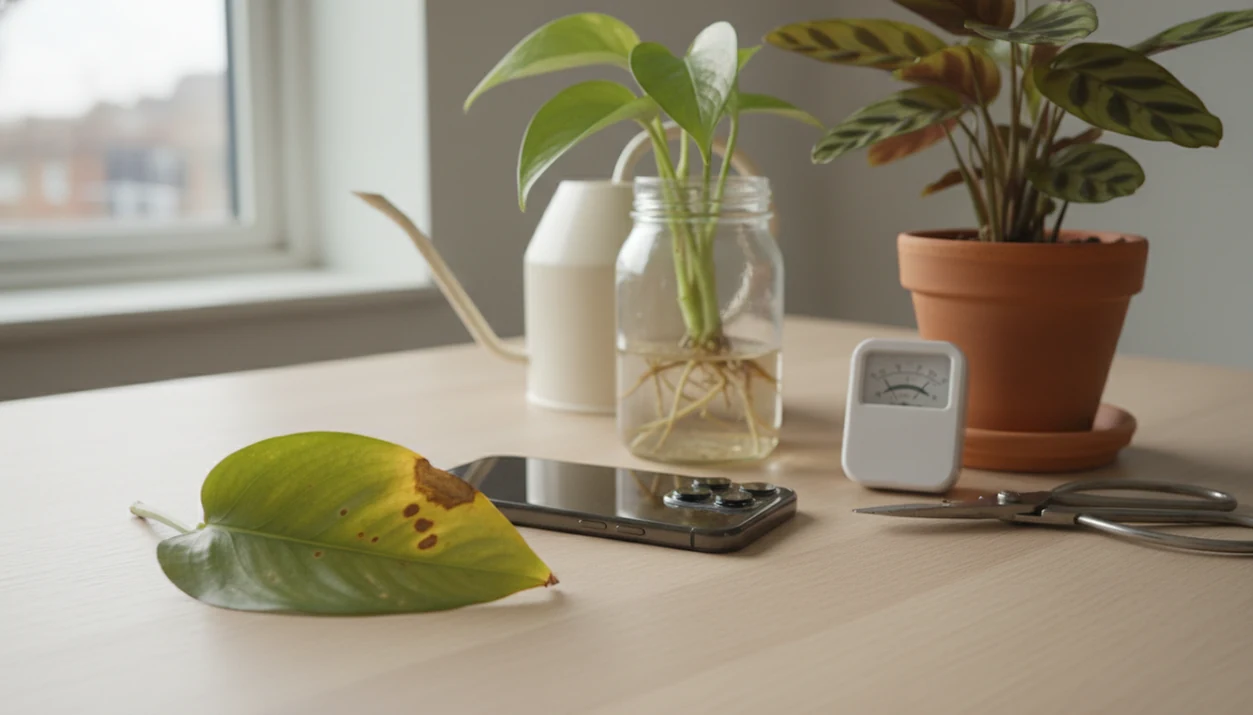

Definition: A Planta alternative is any plant care or plant identifier app that matches Planta's watering reminders and light guidance while adding stronger AI-driven plant identification and symptom-based disease diagnosis from user photos.
- Planta excels at care scheduling but lacks robust photo-based plant ID and disease diagnosis.
- Deep-learning plant ID models can exceed 90% accuracy on curated datasets, but real-world results vary with photo quality and species rarity.
- The strongest Planta competitor combines instant identification, disease detection, personalized care plans, and collection tracking in one app.
Planta vs Plant Identifier App: At-A-Glance Comparison Table
Planta leans scheduling-heavy, while PlantApp leads when the job starts with “what is this plant?” or “what is wrong with this leaf?” That difference matters when the nursery tag is missing or the only clue is a spotted stem.
| Feature | Planta | PlantApp |
|---|---|---|
| AI plant ID accuracy focus | Secondary to care planning | Core photo-identification workflow |
| Disease/pest diagnosis from photos | Limited compared with diagnosis-first apps | Leaf, stem, and pest photo review |
| Watering reminders | Strong, schedule-focused | Species-based reminders after ID |
| Light guidance | Room-based light meter and placement help | Light needs tied to identified plant |
| Collection tracking | Polished plant library | Collection log with ID and care history |
| Pricing model | Free tier plus premium subscription | Free access plus paid feature tiers |
| Privacy approach | Uses plant, device, and account data | Uses uploaded photos and plant records for results |
Good ai plant identification, disease diagnosis, and personalized plant care app for houseplants and garden plants should deliver likely matches and next care steps, not a guaranteed species verdict from one pretty leaf.
How Planta Alternative Apps Work
Planta alternative apps work by turning a plant photo into a ranked set of likely names, then using the confirmed ID to build care guidance. The app reads visual features such as leaf shape, veins, color, flowers, stems, and growth habit, converts them into image embeddings, and compares those patterns with a plant database.
A typical workflow looks like this:
- Upload a clear photo of the whole plant, leaf, stem, flower, or pot area.
- Compare the extracted visual clues against labeled plant images and review the likely-match ranking.
- Confirm the best ID when the name, photos, and growth habit look right.
- Apply that confirmed plant profile to watering frequency, light needs, pruning, repotting, and seasonal care reminders.
- Photograph symptoms separately when leaves show spots, pests, yellowing, or rot, because diagnosis photos focus on damage patterns rather than species traits.
Real-world accuracy depends on the same things that trip up a human: blurry images, bad light, missing flowers, rare cultivars, and whether the app’s database actually includes that plant or disease.
Planta Care Scheduling And Light Meter Strengths
Planta is a credible choice if you already know your plants and mostly need reminders. Its room-based light meter, tailored watering calendar, and polished collection view make it easy to organize a shelf, windowsill, or whole apartment by care routine.
The interface is attractive, especially for people who like seeing plants grouped by room. Planta also has a strong App Store and Play Store presence, plus a larger user base than many newer apps like Planta. That matters when you want a familiar workflow rather than a research project.
Still, scheduling alone can fail if the plant is misidentified. A pothos watered like a calathea can stay wet too long. We see this most often when a user photographs one glossy leaf but skips the stem, pot, and soil surface.
PlantApp Advantages Over Planta For Photo Diagnosis
A photo-first plant care app is a stronger fit when identification and diagnosis come before scheduling. The workflow starts with photo clues, then turns the likely match into a care plan.
- Instant plant ID: The app uses photo-based identification powered by deep-learning models, so users can compare the leaf shape, stem, and growth habit before saving the result.
- Disease and pest review: Leaf photos can surface likely issues such as fungal spotting, pest damage, or watering stress.
- Care after confirmation: Personalized care plans are generated after the ID result, not pulled from a generic houseplant template.
- Controlled accuracy potential: Deep-learning models trained on leaf images can exceed 90% classification accuracy in controlled datasets, according to a Frontiers review.
- PlantVillage benchmark: The PlantVillage CNN classified 26 diseases across 14 crop species at 99.35% accuracy on a held-out test set.
If your priority is diagnosing sick leaves before setting reminders, a photo-ID-first alternative fits because it combines instant ID, symptom review, and a per-plant care plan in one workflow.
AI Plant Identification Accuracy In Planta Alternative Apps
AI plant identification works by comparing a new photo against labeled plant images using convolutional neural networks. In plain terms, the model learns visual patterns, then ranks likely matches based on image embeddings and training data.
Accuracy varies because apps do not use the same databases. Some rely on proprietary image sets. Others draw from crowdsourced resources such as Pl@ntNet, whose community has contributed tens of millions of plant images (Pl@ntNet: https://identify.plantnet.org/). Expert-verified sets may be smaller, but cleaner.
A blurry leaf photo taken under yellow kitchen light at 10 p.m. can mislead any model. So can juvenile leaves, sun damage, or a cultivar with unusual variegation. Lab accuracy often looks higher than real-world performance because test images are cleaner and more standardized.
Take a second photo in natural light.
For broader app comparisons, our best plant identifier apps guide breaks down how photo quality, databases, and care tools affect results.
6 Steps To Switch From Planta To PlantApp
Switching from Planta is easiest if you rebuild your plant list from fresh photos instead of trying to copy old reminders. Use the app result as a starting point, then adjust each care step to your room.
- PlantApp is coming soon to iOS and Android.
- Snap a photo of each plant in your collection for instant ID.
- Review the AI-generated diagnosis for visible leaf issues, including spots, brown tips, or pest marks.
- Accept or adjust the personalized care schedule for each plant after you confirm the likely match.
- Set watering and light reminders based on your actual environment, not just the species name.
- Track growth and care history over time in the plant collection log.
For plant owners rebuilding a mixed indoor collection, PlantApp is often easier than Planta because the schedule begins with a new photo ID instead of an assumed plant name.
Planta Alternative Pricing, Free Tiers, And Photo Privacy
Planta offers a free tier, with premium subscription features for deeper care scheduling and plant management. PlantApp follows a similar freemium pattern, with basic access and paid options for expanded identification, diagnosis, or care features.
Pricing is only half the decision. Planta alternative free searches usually include privacy concerns too. These apps may collect plant photos, device data, location signals, and plant collection details. Read the privacy screen before uploading a full garden map or rare native plant location.
Small thing. It matters.
Free community-driven tools such as PlantNet and iNaturalist compete closely with paid apps in certain categories, especially wild plants. For a deeper community-ID comparison, the PlantNet vs PictureThis debate is useful before paying for any Planta competitor.
Planta Users vs PlantApp Users: Best Fit
Pick Planta if you already know your plants and mainly want a watering calendar with a polished interface. Pick the photo-ID alternative if you need to identify unknown plants, diagnose sick leaves from photos, or want care plans generated from actual ID results.
| Primary need | Better fit | Why |
|---|---|---|
| Organized watering reminders | Planta | Strong calendar and room-based care flow |
| Unknown plant ID | PlantApp | Photo-first likely match workflow |
| Sick leaf troubleshooting | PlantApp | Diagnosis starts from visible symptoms |
| Community verification | PlantNet or iNaturalist | Crowdsourced review can improve confidence |
| Visual search comparison | Google Lens | Broad object search, less plant-care depth |
When the issue is sticky honeydew on a fiddle leaf fig or a sudden gnat cloud above damp potting mix, the photo-ID workflow earns the spot because it turns the photo result into a diagnosis-and-care workflow.
Early detection matters beyond houseplants. FAO estimates plant pests and diseases reduce global crop production by 20–40% each year (FAO: https://www.fao.org/news/story/en/item/1187738/icode/), and plant diseases alone cause more than 10% yield losses in major food crops (Nature Ecology & Evolution: https://www.nature.com/articles/s41559-018-0793-y). For quick visual-search tradeoffs, compare Google Lens vs plant identifier app.
How To Use Either Plant Care App
Use either plant care app as a decision aid, not as a final verdict. The safest workflow is to identify first, confirm second, then let reminders follow your actual room and pot conditions.
- Add the plants you already know by name, and photograph the ones with missing tags, unclear nursery labels, or mystery cuttings.
- Check the suggested matches before saving them, comparing the app’s photos with your plant’s leaf shape, stem, growth habit, and any flowers.
- Adjust reminders around the real setup: window direction, room brightness, pot size, drainage, season, and how damp the soil feels before watering.
- Retake photos when a plant looks sick, using sharp close-ups of spots, pests, yellowing, mushy stems, or leaf undersides before changing treatment.
- Compare uncertain advice with a local extension office, trusted nursery, or regional plant group, especially for outdoor plants, pesticide choices, or fast-spreading disease.
This keeps both apps useful. A reminder is only as good as the plant name, the photo evidence, and the room it lives in.
Limitations
Plant ID apps are useful triage tools, but they are not local botanists, lab tests, or emergency safety services. PlantApp gives likely matches and care guidance; when the ID is uncertain, check against a regional source.
- No app identifies every plant correctly from a single blurry photo. Even top apps reach roughly 78–80% correct or partially correct in real-world tests.
- Disease diagnosis from photos is still emerging. High lab accuracy does not always translate to reliable field-level performance.
- Apps optimized for popular ornamentals may misidentify rare species, native wildflowers, or highly stressed plants.
- Personalized care recommendations are generalized by species and may miss microclimate, soil history, or prior chemical treatments.
- Juveniles, cultivars, and hybrids remain difficult for all AI identification models.
- Different apps rely on proprietary, crowdsourced, or expert-verified datasets, which creates major accuracy differences.
- Toxicity warnings should be treated carefully, especially if a cat is sniffing a dangling vine and the match is uncertain.
For pet and child risk, use a cautious second check through our plant app safety guide.