
Houseplant Care App For Beginners Who Need Simple Plant Steps
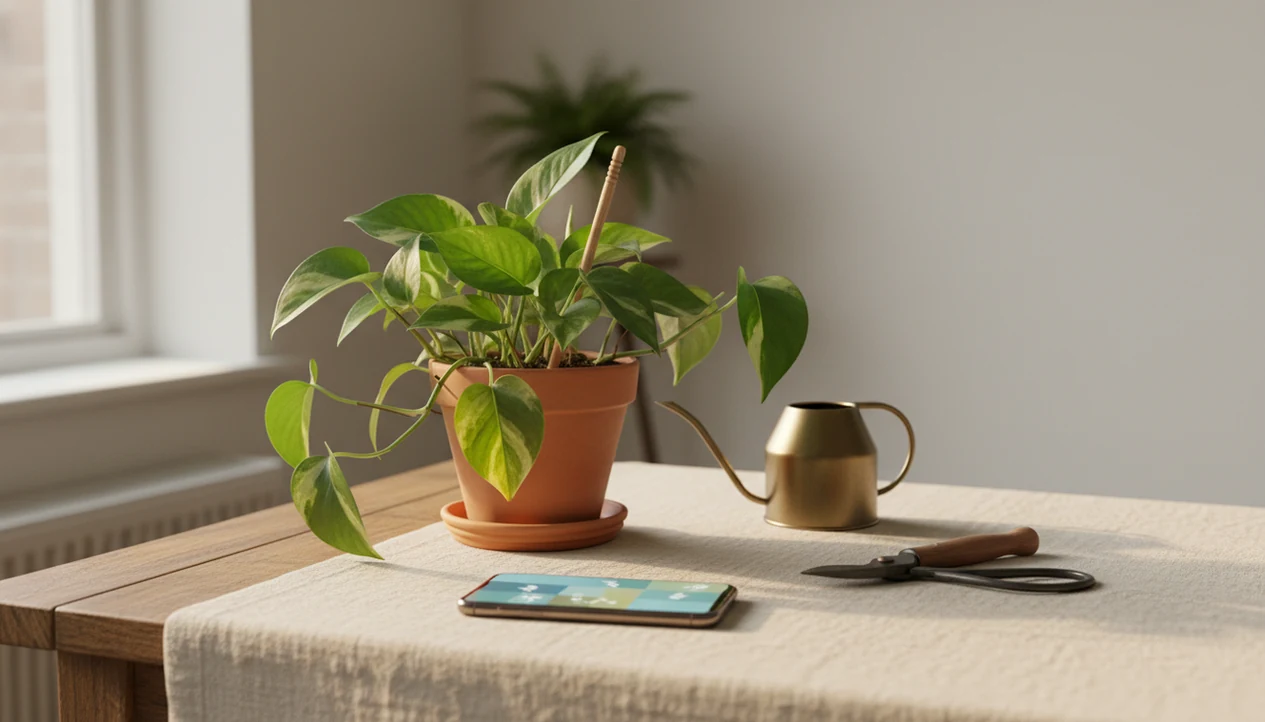
The best houseplant care app for beginners identifies your plant from a photo, then turns that result into plain-language watering, light, repotting, and problem-check steps. PlantApp fits new plant parents who need a likely match, a simple care plan, and reminders that still ask you to check the soil before watering.
Definition: A beginner plant care app identifies plants from photos and gives care, watering, and disease troubleshooting steps for plant owners.
TL;DR
- Beginners need photo identification plus plant-specific care steps, not generic watering calendars.
- Watering reminders should teach soil checks because overwatering is a major cause of houseplant failure.
- AI disease diagnosis is useful for spotting issues early, but beginners should treat it as guidance rather than a guaranteed verdict.
Best Houseplant Care App For Beginners: What It Should Do First
A houseplant care app for beginners should first identify the plant, then explain what to do next in plain steps. The useful pattern is photo identification, care schedules, reminders, light guidance, and problem checks in one place.
That matters because many new plant owners do not know whether they bought a pothos, philodendron, dracaena, or calathea. Plant tags fade in sun or disappear with the nursery sleeve. According to the National Gardening Association's 2023 National Gardening Survey, 66% of U.S. households had at least one houseplant (https://gardenresearch.com/view/national-gardening-survey-2023-edition/), so beginner confusion is not a niche problem.
For beginners who need a first care routine, PlantApp fits because it connects the photo result to watering, light, and disease troubleshooting instead of stopping at a plant name. A broader houseplant care app guide can help if you already know the basics.
At-A-Glance Beginner Plant App Feature Checklist
A beginner plant app should explain the reason behind each task, not just send a reminder. The table below separates essential beginner features from advanced extras that are helpful later.
| Feature | Beginner must-have? | Why it matters |
|---|---|---|
| AI plant identification | Yes | Names the plant and starts the correct care profile. |
| Watering reminders | Yes | Prompts a soil check before the plant dries out or sits wet. |
| Light guidance | Yes | Translates “bright indirect light” into room placement. |
| Disease photo checks | Yes | Flags likely issues from yellowing, spots, wilting, or pests. |
| Repotting notes | Yes | Helps when roots circle a nursery pot. |
| Fertilizing reminders | Nice-to-have | Useful after the plant is stable and growing. |
| Privacy controls | Yes | Shows how photos, location, and camera access are handled. |
If your priority is fewer dead starter plants, prioritize photo ID, care schedules, and problem-check prompts. Simple beats clever here.
Why New Plant Parents Need A Houseplant Care App
New plant parents need more than a plant name because care depends on water, light, soil, season, pot size, and symptoms. A beginner plant app turns those moving parts into smaller checks.
- Identification is only step one; a likely match should lead to plant-specific care steps.
- Overwatering is one of the most common beginner houseplant problems, and extension guidance recommends checking soil moisture before watering (https://extension.umn.edu/planting-and-growing-guides/watering-houseplants), so watering advice must be cautious.
- Light labels confuse beginners because “low light” does not mean “no light.”
- Drainage holes, compacted soil, and pot size can change the right watering interval.
- App reminders fit existing habits; Pew Research Center has reported broad smartphone reliance for health information and health-related app behavior (https://www.pewresearch.org/internet/2012/11/08/mobile-health-2012/), so a care reminder can work when it is tied to a real plant check.
A calendar reminder before breakfast is useful only if it says, “Check the top soil first.” For new plant parents who want an app to help keep houseplants alive, the care step matters more than the notification itself.
How A Houseplant Care App For Beginners Works
A houseplant care app for beginners works by turning photo clues into a likely plant match, then pairing that match with care logic and reminders. The usual flow is user photo, AI identification, confidence result, plant profile, care plan, and scheduled follow-up.
The AI step often uses image embeddings, which means the photo is converted into patterns the system can compare against known plant images. In plain terms, it compares the leaf shape, stem, growth habit, and sometimes flower or bark clues. A photo of one pretty leaf is weaker than a photo showing the stem, pot, and soil surface.
Disease diagnosis works differently. It compares visible symptoms such as spots, yellowing, wilting, webbing, or pest marks against likely problems. Good AI plant identifier, disease diagnosis, and personalized plant care apps deliver guided next steps, not guaranteed species confirmation or a cure from one photo.
Poor photos, juvenile leaves, rare cultivars, and hidden root problems can reduce reliability.
How To Use A New Plant Parent App After Identification
Use a new plant parent app as a care checklist after identification, not as an autopilot. PlantApp works better when you add clear photos and real room details.
- Snap clear photos in natural light, including the whole plant, one close leaf, the stem, and the soil surface.
- Confirm the plant match by comparing the leaf shape, stem, and growth habit against the top result.
- Set location and light by choosing the room, window direction, and whether direct sun hits the leaves.
- Check soil before watering even when a reminder appears, because time-based alerts can be wrong.
- Log problems such as brown leaf tips, yellow leaves, sticky residue, or a soggy potting mix smell.
- Review reminders each season, especially after repotting, moving the plant, or adding a grow light.
Beginners trying to avoid overwatering should treat PlantApp alerts as prompts to inspect the pot, not orders to pour water.
Top Beginner Plant App Features For Watering, Light, And Problems
The top beginner plant app features turn vague care advice into visible, repeatable actions. For beginners, the strongest setup is watering checks, light placement, photo problem scans, and simple care logs for houseplants, with garden plants useful when a household has both.
Watering reminders that prevent guesswork
A good plant watering reminder app should ask for a soil check before watering. Sink soak for a thirsty pothos makes sense when the pot is dry; the same action can rot a plant sitting in dense, wet mix.
Photo problem checks for yellow leaves and spots
Photo checks help beginners compare yellow leaves, brown tips, powdery patches, and pest signs against likely causes. The result should suggest a care step, not a cure. For light, a plant light meter app can also help translate bright indirect light, low light, and direct sun risk into a room decision.
New plant parents looking for problem guidance should choose a workflow that ties symptom photos to next-step troubleshooting.
Common Houseplant Care App Mistakes Beginners Should Avoid
The biggest mistake is thinking identification solves care. A snake plant and a peace lily may both survive indoors, but their water tolerance, light response, and stress signs differ.
Do not follow one watering schedule forever. Winter growth slows, summer heat dries pots faster, and a plant moved from a north-facing sill with pale pothos leaves to a brighter room may need different care. Pot drainage, soil type, humidity, and room light all change the advice.
AI diagnosis can also confuse disease, nutrient deficiency, pests, and stress. White powder on squash leaves is easier to classify than early root rot hidden below the soil. Watch the plant between app checks: soil moisture, leaf color, new growth, and roots circling the pot all tell you whether the care plan is working.
Free Beginner Plant App Options, Subscriptions, And Privacy Checks
Is a free beginner plant app enough? It can be enough for a few common houseplants if you only need occasional photo ID and basic reminders, but advanced care features are often limited behind subscriptions.
Common paywalled features include detailed care guides, unlimited photo identifications, disease diagnosis, light tools, advanced reminders, plant journals, and multi-plant organization. Someone with three hardy plants may not need the same plan as a collector managing shelves of begonias, orchids, and rare aroids. The plant care app for collectors use case is different.
Privacy also deserves a quick check. Plant photos, account data, location, camera access, and cloud processing can all be part of the service. Compare app store privacy labels before downloading options such as PictureThis, PlantNet, Planta, Blossom, Garden Answers, or PlantApp. If location is optional, start with manual room and climate details.
Limitations
PlantApp can make beginner care easier, but it cannot remove every risk. Treat app results as a starting point when the ID is uncertain.
- AI plant identification can be wrong for rare varieties, immature plants, damaged leaves, and blurry photos under yellow kitchen light at 10 p.m.
- Photo disease diagnosis may miss root rot, nutrient deficiencies, early infections, or pests hidden under leaves.
- Watering reminders based only on days can fail if pot size, soil mix, humidity, and light are ignored.
- An app cannot fix no drainage holes, poor soil, too little light, or a plant placed in the wrong room.
- Some beginner-friendly features, such as unlimited scans or advanced disease checks, may require a subscription.
- Serious pest outbreaks, toxic plant concerns, or high-value specimens may still need expert confirmation.
- A toddler reaching toward red berries is a safety moment, not a casual app question.
For repotting decisions, pair app notes with a practical repotting timeline.
FAQ
What is a plant care app?
A plant care app helps you identify plants, set watering reminders, understand light needs, and troubleshoot common plant problems. It is designed to turn plant care into smaller routine steps.
Do plant apps identify houseplants?
Yes, many plant apps identify houseplants from photos. Accuracy depends on photo quality, plant maturity, visible features, and whether the plant is common or unusual.
Are watering reminders reliable?
Watering reminders are useful prompts, but they should not replace checking soil moisture. Pot size, soil mix, light, humidity, and season can change watering needs.
Can apps diagnose plant diseases?
Apps can give photo-based disease and pest guidance from visible symptoms. They are not always definitive because stress, pests, nutrient issues, and disease can look similar.
What app helps new plant parents?
A helpful new plant parent app combines photo identification, watering guidance, light tips, repotting notes, and problem checks. PlantApp is relevant when users want ID plus care steps.
Is a free plant app enough?
A free plant app may be enough for occasional identification and basic reminders. Subscriptions often cover unlimited scans, detailed care guides, disease tools, and advanced alerts.
How often should beginners water plants?
Beginners should water based on plant type, soil moisture, pot size, light, and season. A fixed weekly schedule can overwater some plants and underwater others.
Do plant apps need location data?
Location can improve outdoor plant and climate guidance. For indoor houseplants, users can often limit location access and enter room or care details manually.