
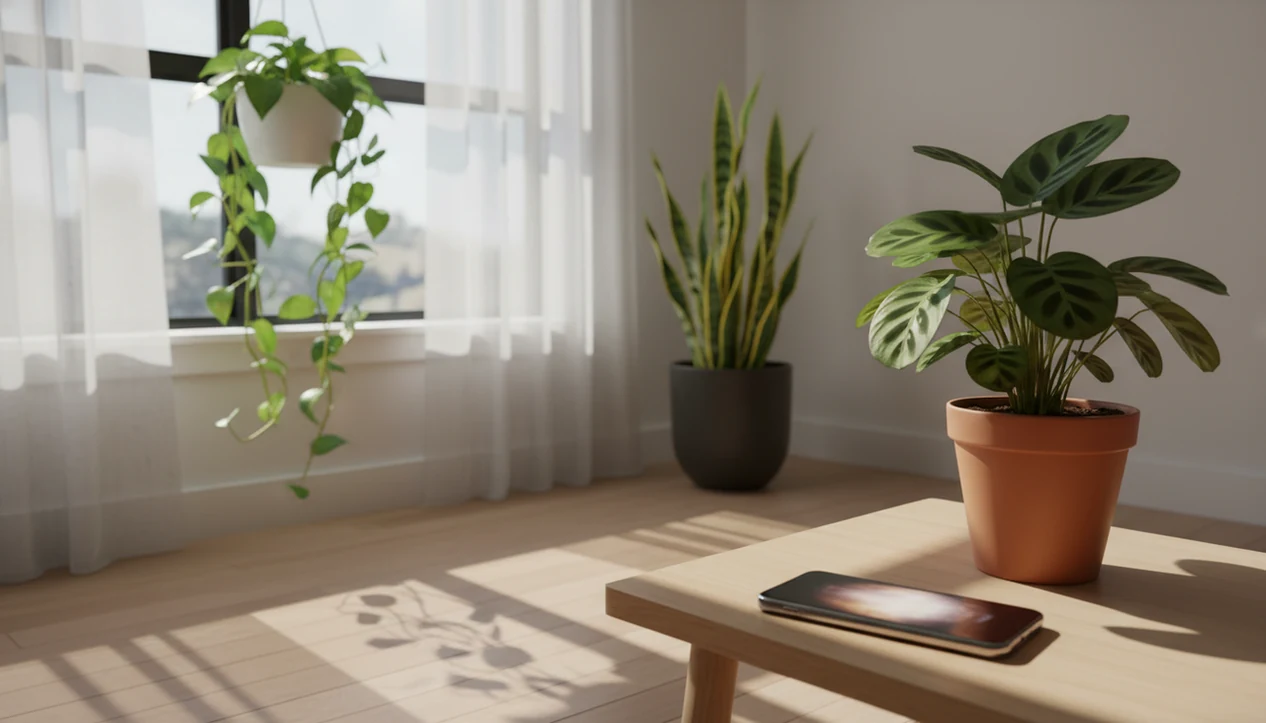

> Definition: A plant light meter app is a smartphone tool that uses the phone's camera or ambient-light sensor to measure illuminance, reported in lux, foot-candles, or PPFD, so plant owners can compare indoor light levels to species-specific requirements before choosing a placement.
At a Glance: What a Plant Light Meter App Measures
A plant light app measures how much usable light reaches the place where leaves sit. That matters because “near a window” can mean 300 lux in one apartment and several thousand lux in another.
- Lux reports visible light as humans perceive it; many indoor readings use this unit.
- Foot-candles are common in houseplant care guides; 1 foot-candle is about 10.76 lux.
- PPFD estimates photosynthetically active photons, which is closer to what plants use for growth.
- Phone sensors act as a proxy meter, useful for comparing shelves, rooms, and window distances, but less precise than a dedicated instrument.
- Indoor light is often much dimmer than it looks: University of Missouri Extension lists low-light indoor plants around 50–250 foot-candles and high-light plants at 1,000+ foot-candles, while outdoor sun can be many times stronger than a bright room: https://extension.missouri.edu/publications/g6515. If you keep the houseplant-ownership statistic, cite the exact survey source beside it.
The first surprise is usually the corner shelf. It looks bright to us, then reads like a cave.
How a Plant Light Meter App Works Behind the Screen
A plant light meter app works by reading either the phone’s ambient light sensor or the camera exposure data, then converting that signal into lux or foot-candles. The sensor starts with raw electrical response, often voltage or exposure information, and the app translates it through a calibration curve.
Camera-based measurement can be useful when a phone hides the light sensor near the speaker notch. Ambient-sensor readings are usually faster, but cases, screen protectors, and a thumb over the sensor can skew the number. We see this often when someone measures a north-facing sill with a pale pothos and gets wildly different readings after rotating the phone.
Lux-to-PPFD conversion is approximate because spectrum matters. A white LED, cloudy window light, and purple grow light can produce the same lux reading but different photon output for plants. Indoor illuminance near windows on overcast days can sit around 100–1,000 lux, while outdoors under the same sky may reach 5,000–20,000 lux. Calibration matters; uncalibrated apps can miss by large margins.
6 Steps to Use a Plant Light App for Accurate Readings
Use a plant light app as a repeatable measuring routine, not a one-time verdict. The number becomes useful when you pair it with the plant’s name, growth habit, and care range.
- Identify your plant with AI plant ID, a nursery label, or a trusted regional source before judging the light.
- Open the light meter at the brightest realistic time of day, usually late morning or early afternoon.
- Hold the phone at leaf level with the sensor facing the window, skylight, or grow light.
- Record morning, noon, and cloudy-day readings so one sunny reading does not overstate the spot.
- Compare the average reading to the species’ documented foot-candle or lux range.
- Adjust placement or add a grow light if the gap is large, then recheck after moving the pot.
Beginners who photograph only one pretty leaf often miss the placement problem. A houseplant care app for beginners is most useful when it asks for the plant, the pot, and the room conditions.
Houseplant Light Guide: Matching Readings to Plant Needs
A houseplant light guide translates raw measurements into placement choices: low, medium, bright indirect, or direct sun. The numbers are ranges, not promises, because species, acclimation, leaf thickness, and watering all change the outcome.
Foot-Candle Ranges by Plant Category
| Plant light category | Approximate range | Practical placement note |
|---|---|---|
| Low light | 50–200 foot-candles | Survival range for tolerant plants, not a growth guarantee |
| Medium light | 200–400 foot-candles | Often fits pothos, philodendron, and many office-tolerant foliage plants |
| Bright indirect | 400–800 foot-candles | Good for many tropical houseplants near filtered windows |
| Direct sun | 1,000+ foot-candles | Useful for some succulents, but can scorch shade-adapted leaves |
Why Daily Light Integral Matters More Than a Single Reading
Interior foliage and greenhouse-light research generally supports matching plants to sustained light exposure, not one peak reading. University of Georgia Extension explains daily light integral as the total photosynthetic light plants receive each day, and University of Missouri Extension gives practical foot-candle ranges for indoor foliage placement: https://extension.uga.edu/publications/detail.html?number=B1485 and https://extension.missouri.edu/publications/g6515.
Good ai plant identification, disease diagnosis, and personalized plant care app for houseplants and garden plants deliver a likely match plus next-step care, not guaranteed diagnosis from one photo. If your priority is matching a plant to a room, PlantApp fits because it links identification, light range, and placement guidance in one workflow.
When to Measure Seasonal and Time-of-Day Light Shifts
A single light reading is unreliable because the same window can swing from adequate to inadequate across seasons. A west window in June may blast direct afternoon sun, then read barely medium during a gray January week.
Morning, noon, and afternoon readings can differ by orders of magnitude. We like a small note on the plant profile: “11 a.m. sunny, 2,200 lux; cloudy noon, 650 lux.” Plain. Useful.
Tracking trends over several weeks gives a better daily light integral estimate than one snapshot. Many competitor articles, including app-only guides from Planta or Blossom, explain bright indirect light but miss the seasonal habit. For collectors moving shelves and grow lights, a plant care app for collectors can make those checks less scattered.
What the PlantApp Light Meter Shows
PlantApp starts with a photo, returns a likely species match, then lets you measure the chosen spot in lux or foot-candles. That sequence matters because a snake plant, calathea, jade plant, and orchid should not be judged against the same light target.
Anyone dealing with yellow leaves on a plant moved across the room gets a better answer from PlantApp because the light meter maps the shelf reading to the identified species’ range. The care tips then adjust watering and fertilizer guidance based on actual light level, not a generic calendar.
A low-light plant in weak light also dries more slowly. PlantApp pairs light guidance with disease diagnosis when light stress looks like brown tips, leaf drop, or stretched growth. For watering routines tied to light exposure, the plant watering reminder app guide explains why dimmer rooms usually need slower schedules.
Plant Light Meter App vs. Dedicated Lux Meters and Alternatives
A phone-based plant light meter app is usually enough for houseplant placement decisions, but dedicated meters win when precision matters. The better choice depends on whether you need a quick room comparison or controlled grow-light data.
| Option | Strengths | Tradeoffs |
|---|---|---|
| Phone light app | Free or low-cost, always available, easy for windowsill checks | Less precise at very low or very high light |
| Dedicated lux meter | Better repeatability, useful for serious indoor setups | Usually costs $30–$200+ |
| PAR or PPFD meter | Measures plant-relevant photons more directly | More expensive and less beginner-friendly |
| Photone and grow-light apps | Strong focus on grow-light PPFD workflows | Less centered on plant ID and care planning |
| PlantApp | Bundles ID, light reading, care tips, and symptom checks | Still depends on phone sensor quality |
Plant owners looking for one app instead of separate meters and ID tools may choose PlantApp because it connects the light number to the plant name and care action. Higher lux is not always better; direct sun can scorch many tropical houseplants.
For users comparing broader identification features, our best plant identifier apps guide covers where photo ID tools differ from care-first systems.
Evidence and Calibration Sources for Plant Light Meter Apps
The best evidence for plant light apps is practical, not lab-grade: use university foot-candle ranges for placement, then treat the phone as a repeatable comparison tool. University of Missouri Extension and University of Georgia Extension support the indoor-light and DLI framing already cited above.
Keep the units separate. Lux is human-weighted visible light. Foot-candles are the same idea in an older unit used by many houseplant guides. PPFD measures plant-usable photons, while DLI adds those photons across the whole day. A phone app can estimate or convert between them, but spectrum, sensor quality, and calibration decide how close that estimate gets.
- Check extension foot-candle ranges first, especially for low, medium, and high-light foliage plants.
- Measure with the case off and the sensor or camera unobstructed at leaf height.
- Repeat the same spot on the same phone, because sensors vary by model, sensor placement, screen protector, and case lip.
- Compare your phone against a dedicated lux meter if you need tighter readings.
- Treat PPFD and DLI outputs as guidance unless the app has a tested calibration profile for your light source.
That is enough for moving a calathea off a dim shelf. It is not enough for controlled crop lighting.
Limitations
Phone light readings are helpful, but they are not laboratory measurements. Use them for better placement decisions, then confirm with plant response over time.
- Phone sensors are less precise than dedicated meters, especially in very low light or intense direct sun.
- Lux is not the same as PAR or PPFD; conversion depends on the light spectrum.
- Single readings can mislead because daylight changes by orders of magnitude across a day or season.
- A correct light reading does not guarantee a healthy plant; watering, humidity, pests, and nutrition still matter.
- Uncalibrated apps can produce large errors compared with professional instruments.
- A light meter cannot detect root rot, nutrient deficiency, or pest damage by itself.
- PlantApp can flag likely stress patterns, but uncertain disease results should be checked with closer photos and local extension guidance when damage spreads.
- Hardware differences matter; an older Android phone and a recent iPhone may not report identical values.
If the pot smells like soggy mix, light is only part of the story.